
Intel Celeron G5900
4.5Editor score
Low power consumption
LGA1200 socket
Basic computing tasks
This guide compares the top ten budget processors for gaming and productivity to help you find the best cheap CPU for your next PC build today.
Finding a reliable processor does not have to break the bank. Modern budget chips offer impressive performance for everyday tasks and casual gaming. Whether you are building a new rig or upgrading an old one, there are excellent options available.
We evaluated ten leading models based on core counts, clock speeds, and real-world efficiency. Our analysis focuses on value, compatibility, and long-term usability for various users. This list covers a wide range of needs and platform requirements for you.
Each pick highlights key strengths and ideal use cases for specific scenarios. We include detailed specs and pros to help you make an informed decision quickly. Please note that market availability and costs can change without prior notice.
4.5Editor score
4.7Editor score

4.8Editor score
This table provides a side-by-side overview of all ten processors. It highlights core counts, cache sizes, and socket types to help you compare key specifications at a glance.


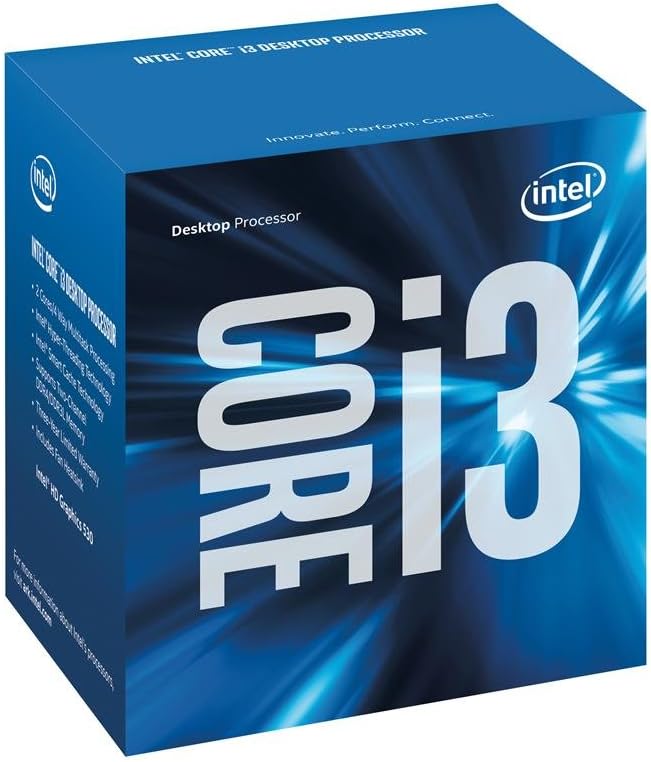


The AMD Ryzen 5 5500 stands out as a top choice for budget builds. It delivers fast performance in popular games and supports high frame rates with a discrete graphics card. Its 6 cores and 12 threads handle multitasking well for the price.
We may earn a commission when you buy through this link, at no additional cost to you.
This processor runs at up to 4.2 GHz boost and comes unlocked for easy tuning. The bundled Wraith Stealth cooler keeps temperatures reasonable without needing extra parts. It uses the familiar AM4 socket which fits many existing motherboards.
While it lacks the newest DDR5 support, the DDR4-3200 capability is still very fast for most users. The cache size is generous at 19 MB for this tier. Overall it balances cost and performance better than many rivals.
Buyers wanting a solid budget gaming CPU should consider this model. It is ideal for those upgrading an older AM4 system or building a new PC on a tight budget. The included cooler makes setup simple and affordable.
This chip handles popular titles smoothly with a dedicated GPU for great FPS.
The unlocked multiplier allows enthusiasts to push speeds higher with ease.
We may earn a commission when you buy through this link, at no additional cost to you.
The Intel Celeron G5900 offers one of the most affordable entry points for PC builds. It provides basic computing power suitable for web browsing and document work. The 2 cores and 2 threads keep things simple for light use.
We may earn a commission when you buy through this link, at no additional cost to you.
It connects via LGA1200 sockets and works with Intel 400 series chipsets. Optane memory support can boost system responsiveness when paired with compatible storage. The 58W design ensures it runs cool and efficient in compact cases.
This chip is not meant for heavy gaming or creative workloads. It lacks the thread count for smooth multitasking with many apps open. However it fulfills its role as a basic system brain very well.
Ideal for users needing a simple PC for browsing and office apps. It is also great for secondary machines where cost matters more than speed. The low power needs make it easy to integrate anywhere.
This processor is among the cheapest available for basic system needs.
Optane technology helps speed up storage access for faster loading.
We may earn a commission when you buy through this link, at no additional cost to you.
The Ryzen 5 9600X brings modern architecture to a competitive price range. Built on Zen 5 it delivers pure gaming performance with high frame rates. The 6 cores and 12 threads ensure smooth multitasking too.
We may earn a commission when you buy through this link, at no additional cost to you.
Its max boost reaches 5.4 GHz which is exceptional for this tier. DDR5-5600 support allows faster data movement for demanding apps. The AM5 socket means this chip will work with future upgrades easily.
Users must buy a separate cooler as none comes in the box. It also requires an AM5 motherboard which adds to initial system costs. Yet the performance gains justify the extra spend for many.
This is the pick for those wanting high-end features at a lower cost. It suits gamers who want top FPS without paying flagship prices. The future-proof AM5 platform ensures long term usability.
Zen 5 architecture brings major efficiency and speed improvements over prior gens.
AM5 sockets support future chips so you can upgrade CPU later.
We may earn a commission when you buy through this link, at no additional cost to you.
The Pentium Gold G5600F provides a reliable core for basic systems. It features 4MB cache and runs at 3.90 GHz for decent single task speed. The FC-LGA14C socket matches certain motherboard styles easily.
We may earn a commission when you buy through this link, at no additional cost to you.
This processor lacks integrated graphics so a discrete card is required. That keeps costs low if you already have a GPU or need one. It shines for simple office work and browsing on a budget.
Its high user rating suggests consistent performance and few issues. However the limited thread count means heavy multitasking may slow it down. It is best for single or few task scenarios mostly.
Buyers seeking a dependable basic CPU should look at this option. It is suitable for those needing a simple system for daily tasks. The low cost and high rating make it a safe pick.
Consistent speed for everyday tasks makes this a trustworthy choice.
You will need a separate GPU since this has no built in graphics.
We may earn a commission when you buy through this link, at no additional cost to you.
The Athlon 200GE delivers responsive computing with built-in Radeon Vega graphics. It handles videos and light gaming without needing a separate card. The 2 cores and 4 threads manage basic workloads well.
We may earn a commission when you buy through this link, at no additional cost to you.
Its 3.2 GHz clock and 5MB cache offer steady performance. The near silent cooler ensures quiet operation. Since it uses AM4 you can upgrade to a Ryzen later if needed.
This chip is not for heavy 3D workloads or modern AAA games. It suits casual users and those on a tight budget. The lack of high thread count limits complex tasks.
Ideal for small form factor builds or budget home systems. It is a good choice for media centers or light play. The upgradable path adds value for future upgrades.
Vega graphics enable basic gaming and video playback without extra GPU.
AM4 sockets let you upgrade to faster Ryzen chips later on.
We may earn a commission when you buy through this link, at no additional cost to you.
The 7th Gen Celeron G3930 is a solid option for older systems. It fits LGA1151 sockets and supports 100 series chipsets. Intel HD Graphics 610 provides basic visual output for standard tasks.
We may earn a commission when you buy through this link, at no additional cost to you.
Its design focuses on efficiency and low power draw. This makes it suitable for office machines or home browsers. The setup is straightforward for those with compatible boards.
As an older generation chip it lacks modern instruction sets and speed. Heavy multitasking may be sluggish compared to newer cores. Yet it fulfills basic roles reliably for its class.
Choose this if you need a cheap replacement for an old PC. It is perfect for extending life to older hardware. The compatibility with legacy boards keeps costs down.
Works with older LGA1151 motherboards for easy upgrades without new hardware.
Low wattage ensures stable running even in small cases without fans.
We may earn a commission when you buy through this link, at no additional cost to you.
The renewed Core i5-6500 offers a budget friendly upgrade path for older rigs. It features 4 cores and Turbo Boost for dynamic speed increases. This supports DDR4 and DDR3L memory for flexibility in builds.
We may earn a commission when you buy through this link, at no additional cost to you.
Compatible with Intel 100 series chipsets it works well with many boards. The renewed status means it is tested and cleaned for reliability. It balances cost with usable performance for daily tasks.
It lacks Hyper Threading so multitasking is limited compared to newer chips. The older tech means no DDR5 or PCIe 5.0 support. Still it is a strong option for basic gaming or office use.
Buyers looking to revive an old system should consider this pick. It is ideal for those needing a cheap 4 core CPU. The renewed label helps keep the total system cost low.
Renewed items offer tested used chips at lower prices than new.
Dynamic frequency scaling boosts speed when performance is needed most.
We may earn a commission when you buy through this link, at no additional cost to you.
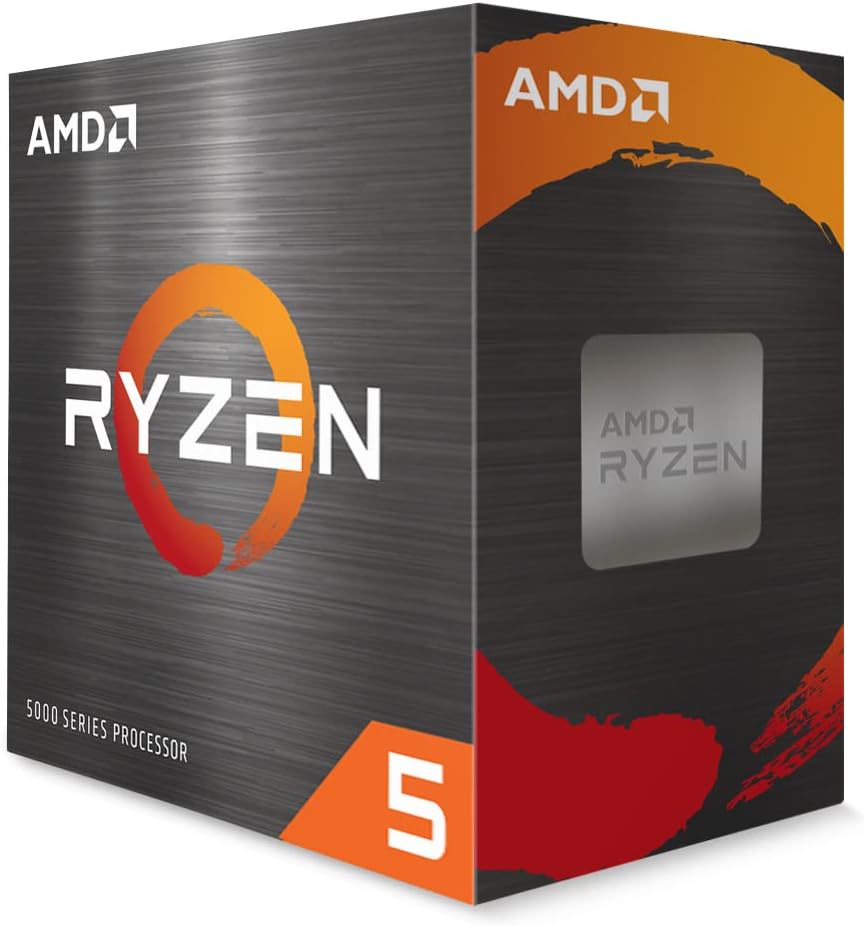
The Core i3-6100 provides solid entry tier performance for basic systems. It runs at 3.70 GHz and includes Hyper Threading for better multitasking. Secure Key features add an extra layer of data protection.
We may earn a commission when you buy through this link, at no additional cost to you.
It uses the LGA1151 socket which fits many older boards easily. This makes it a practical choice for upgrades without replacing the motherboard. The boxed version includes standard cooling for quiet operation.
As a 6th gen chip it lacks the latest instruction sets and speeds. Heavy gaming or video editing will strain its dual core design. However for office tasks and web use it is capable.
Ideal for users needing a simple system for documents and browsing. It suits small businesses or home users on a tight budget. The security features make it a safe pick for data.
Enhanced security features help protect data and sensitive operations better.
Threading allows better multitasking by handling more threads per core.
We may earn a commission when you buy through this link, at no additional cost to you.
The renewed Core i7-7700 delivers strong 4 core performance for a low price. It features 8 threads and runs up to 4.2 GHz for speed. UHD Graphics 630 handles basic display needs without extra cards.
We may earn a commission when you buy through this link, at no additional cost to you.
It works with 100 or 200 series chipsets which are common older boards. Optane memory support can help boost storage performance significantly. The renewed status keeps costs down while ensuring function.
As an older generation chip it lacks modern memory and socket features. It is best suited for existing LGA1151 systems seeking more power. Heavy workloads may still feel the age of this chip.
Buyers with older boards looking for a power boost should consider this. It is ideal for general multitasking and light gaming on a budget. The high thread count helps with smoother daily use.
8 threads enable smoother multitasking compared to dual core rivals.
Optane technology allows faster access to storage data for apps.
We may earn a commission when you buy through this link, at no additional cost to you.
The renewed Core i7-8700 offers six cores and twelve threads at a budget price. It uses 12 MB cache and supports 3.2 GHz base speed. This configuration handles multitasking and light creative work well.
We may earn a commission when you buy through this link, at no additional cost to you.
It fits LGA1151 sockets with 300 series chipsets only. Optane memory support is present for storage acceleration features. The renewed condition makes it a cost effective way to get multi-core power.
As a legacy chip it lacks the latest memory and interface standards. It may not support DDR5 or PCIe 5.0 for future proofing. Yet it remains a strong multi-core option for older systems.
Ideal for users needing more cores for tasks like editing or rendering. It suits those upgrading existing 300 series boards. The high thread count ensures smoother performance than 4 core CPUs.
Six cores provide robust power for parallel workloads and multitasking.
12 MB cache speeds up data access for complex calculations.
We may earn a commission when you buy through this link, at no additional cost to you.
Selecting a budget processor involves balancing performance needs with platform costs. These factors help you identify the right fit for your build.
More cores and threads allow better multitasking and performance in modern apps. Look for at least 4 threads for smooth daily use without lag.
Focus on higher thread counts if you run many apps at once or do light editing.
Ensure the CPU socket matches your motherboard type. AM4 and LGA1151 are common for older builds while AM5 is newer.
Check your board model before buying to avoid costly mismatch issues.
Decide between DDR4 and DDR5 based on your budget and speed needs. DDR5 offers faster speeds but costs more overall.
DDR4 is still efficient for most budget builds and saves money.
CPUs with built-in graphics save money if you do not have a GPU. Look for Radeon Vega or Intel UHD models if you need display output.
If you have a dedicated card you can skip integrated graphics to save costs.
Some CPUs come with coolers while others require separate purchases. This affects total build cost and noise levels.
Check if a stock cooler is included before budgeting for extra parts.
Unlocked CPUs allow frequency tuning for extra performance. This is useful for enthusiasts who want to tweak speeds.
Ensure your motherboard supports overclocking before choosing an unlocked model.
Newer sockets like AM5 offer longer upgrade paths. Older sockets may limit future CPU changes without a new board.
Choose a platform with a long roadmap for better future value.
Lower TDP means less power draw and heat. This is key for compact builds or low noise systems.
Match TDP to your case and cooling capacity for stability.
Install the CPU carefully in the socket ensuring correct alignment. Apply thermal paste before mounting the cooler to avoid heat spikes.
Keep your system dust free and vents clear for stable temperatures. Use monitoring software to check usage and heat under load.
Update BIOS firmware regularly to ensure full compatibility and stability. Avoid overclocking beyond safe limits to protect long term health.
The AMD Ryzen 5 5500 offers excellent gaming performance with a budget price. It includes a cooler and supports AM4 motherboards easily.
Only if the new CPU matches the socket and chipset. Check your board specs to confirm compatibility before buying.
Some do like the Ryzen 5 5500 while others like the 9600X do not. Always check product details for included parts.
DDR4 remains efficient and affordable for most tasks. DDR5 is useful if you want future-proofing or faster speeds.
Ensure it comes with a warranty and clear condition notes. Verify socket type matches your system before ordering.
Watch for high idle temps or system throttling. Use software to track heat and clean fans if needed.
The AMD Ryzen 5 5500 leads as the top pick for value and gaming. It balances core count and price better than most rivals.
Prioritize platform longevity and compatibility to avoid extra costs later. Consider memory and socket needs before selecting your model.
Prices and availability shift often so verify current listings before buying. This guide helps you find a reliable processor for your budget.