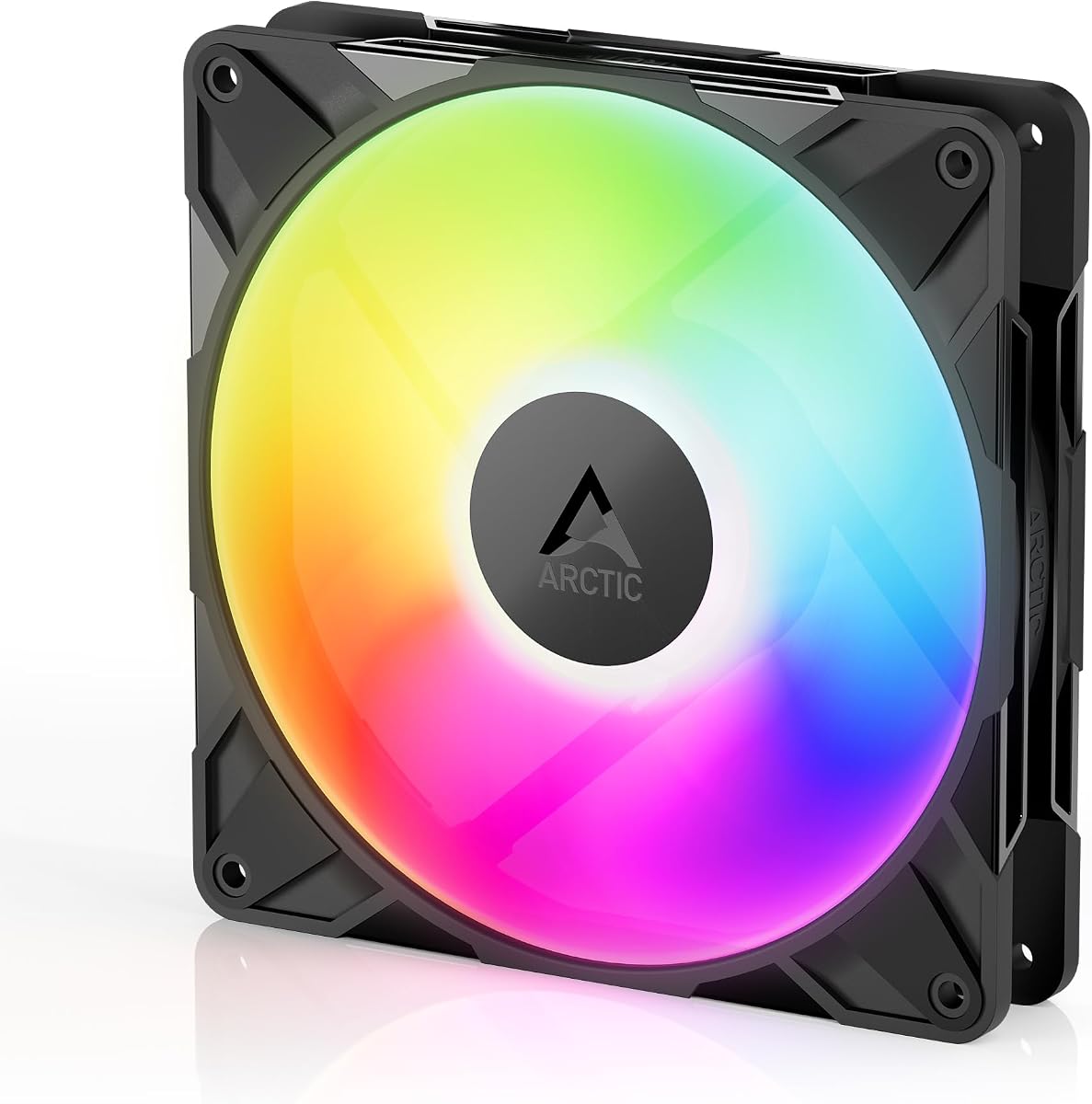
ARCTIC P14 Pro A-RGB
4.6Editor score
Fluid dynamic bearing for quiet operation
Wide speed range up to 3000 RPM
Excellent value for premium performance
Compare the top ARGB 140mm fans for PC cooling and style. We review performance, noise, lighting control, and build quality to help you choose.
Selecting the right ARGB 140mm fans can transform your PC build aesthetics and thermal performance. These fans provide balanced airflow and customizable lighting for modern cases.
Our guide compares ten leading models based on airflow, noise levels, bearing types, and lighting synchronization features. We evaluate real-world specs to highlight value and quality.
Each pick includes detailed pros, cons, and key specs to guide your decision. Prices vary by retailer and availability may change so check current listings before buying.
4.6Editor score

4.6Editor score

4.8Editor score
This comparison table lists all ten fans with their key specifications and features to help you quickly find the best match for your specific PC build needs.

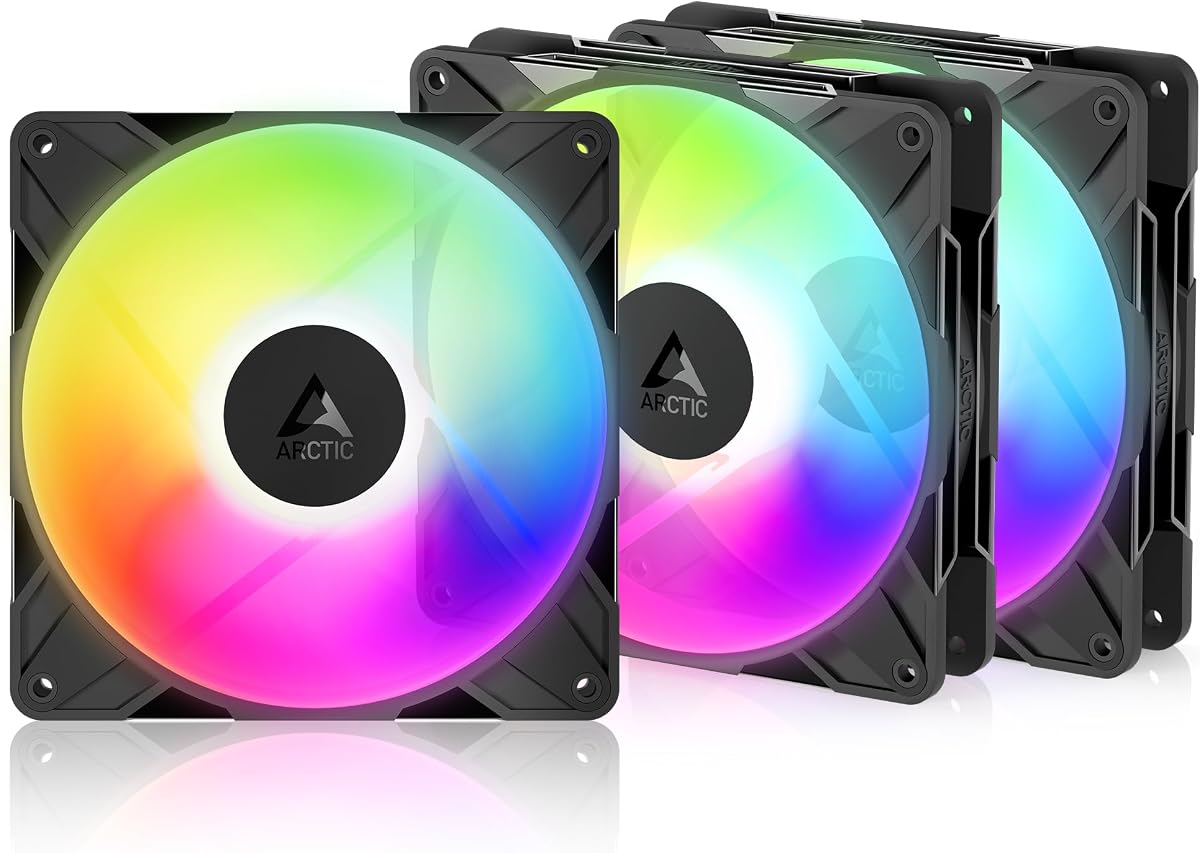


The Thermalright TL-C14C-S X3 offers a compelling package for builders needing multiple fans. With a high rating and solid specs, it balances performance and affordability effectively.
We may earn a commission when you buy through this link, at no additional cost to you.
Its S-FDB bearing ensures smooth operation while keeping noise levels low during extended gaming sessions. The PWM interface allows precise speed control via motherboard headers.
While lighting options are basic compared to premium models, they still provide colorful synchronization. The airflow is adequate for standard cases but may struggle with dense filters.
Budget-conscious users prioritizing silent performance over flashy lights should consider this pack. It is an ideal choice for filling case spots without overspending.
The optimized 7-blade design reduces turbulence and minimizes noise during operation.
Fluid dynamic bearings ensure long life and consistent performance over time.
We may earn a commission when you buy through this link, at no additional cost to you.
The CORSAIR RS140 ARGB fans are engineered for high-performance cooling with a focus on airflow management. Their AirGuide technology directs air precisely to hot spots.
We may earn a commission when you buy through this link, at no additional cost to you.
With nearly 100 CFM airflow and high static pressure, these fans excel at pushing air through radiators or dust filters. The magnetic dome bearing adds to their reliability.
Setup is simplified by the daisy-chain connection which reduces cable clutter significantly. Lighting customization requires compatible motherboard headers or Corsair software tools.
Enthusiasts seeking top-tier thermal performance and clean cable management will appreciate these fans. They justify their cost with superior airflow and durable construction quality.
Anti-vortex vanes direct airflow to hottest components for targeted cooling efficiency.
Connect multiple fans with single cables for cleaner builds and easier control.
We may earn a commission when you buy through this link, at no additional cost to you.
The ARCTIC P14 Pro A-RGB delivers impressive airflow capabilities at a budget-friendly price. Its wide speed range allows users to tune performance for noise or cooling.
We may earn a commission when you buy through this link, at no additional cost to you.
Featuring a fluid dynamic bearing, it runs smoothly and quietly at lower speeds. The redesigned rotor blades help balance performance with noise reduction significantly.
While the lighting is functional it lacks the complexity of premium RGB rings. This makes it a practical choice for those prioritizing cooling over aesthetics primarily.
Users wanting high airflow without breaking the bank should find this fan ideal. It is perfect for cases needing strong ventilation without expensive accessories.
PWM control allows stopping the fan completely or running at full 3000 RPM.
Redesigned blades offer an optimal balance of performance and low noise levels.
We may earn a commission when you buy through this link, at no additional cost to you.
The ARCTIC P14 Pro Reverse is designed specifically for builds where front intake fans are visible through glass panels. It maintains a clean look while providing strong airflow.
We may earn a commission when you buy through this link, at no additional cost to you.
Its reversed design ensures the motor hub does not spoil the visual aesthetics. This is crucial for builders prioritizing the unobstructed view of components inside.
Despite the unique design it maintains high static pressure for efficient cooling performance. The hydrodynamic bearing ensures long service life with minimal maintenance required.
Users building glass-fronted cases will benefit most from this specialized fan design. It solves the aesthetic conflict between performance intake fans and visible hardware.
Special reverse design draws air from back to hide motor on front intake.
Maintains strong airflow and pressure for reliable thermal performance.
We may earn a commission when you buy through this link, at no additional cost to you.
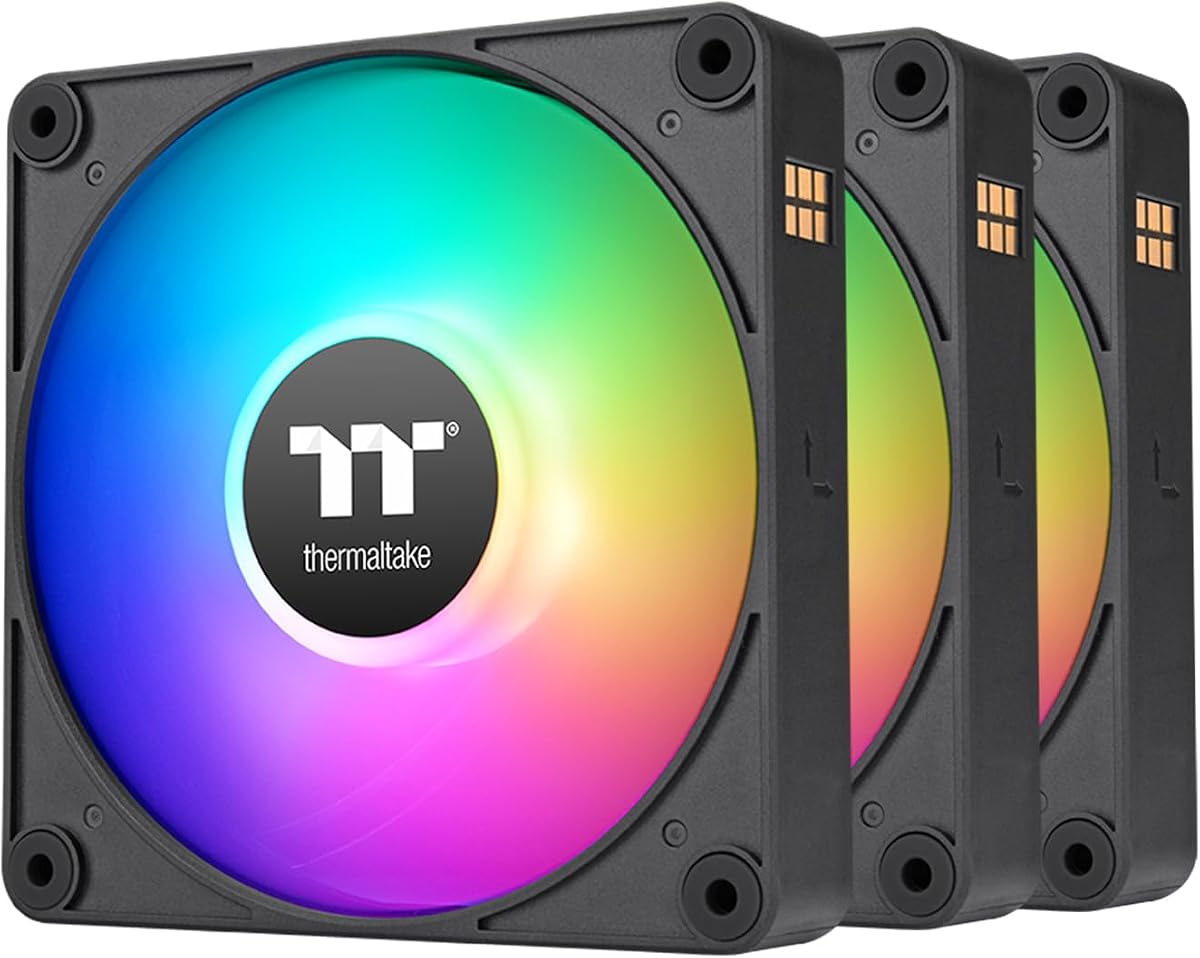
Thermaltake introduces a magnetic connection design to simplify fan chaining in the CT140 EX pack. This reduces the complexity of wiring multiple fans to a header.
We may earn a commission when you buy through this link, at no additional cost to you.
With nine addressable LEDs per fan the lighting offers vibrant color options. The hydraulic bearing helps keep noise low during normal operating conditions effectively.
The anti-vibration mounting system helps reduce noise transmission to the chassis walls. This contributes to a quieter overall system experience during demanding workloads.
Users wanting a clean cable setup with bright lighting will find this pack attractive. It is a solid mid-range choice for comprehensive case cooling projects.
Magnetic fan connection design optimizes daisy-chaining and reduces cable clutter.
Embedded anti-vibration mounting system minimizes resonance noise transmission.
We may earn a commission when you buy through this link, at no additional cost to you.
The AsiaHorse Amici fan stands out for its exceptional lifespan and hydraulic bearing quality. It promises long-term reliability with minimal friction and maintenance required.
We may earn a commission when you buy through this link, at no additional cost to you.
Its infinite mirror effect creates a striking visual impact when viewed from certain angles. The hydraulic bearing design significantly reduces noise and vibration during use.
The speed range allows for quiet operation at low settings and strong cooling when needed. It supports major sync protocols for easy integration into existing lighting setups.
Users seeking a balance between visual appeal and component longevity should consider this model. It is particularly useful for those building stable long-term workstations.
Equipped for 50000-hour lifespan ensuring long-term reliability and stability.
Hydraulic bearing minimizes friction and extends operational efficiency and quietness.
We may earn a commission when you buy through this link, at no additional cost to you.
The Cooler Master MasterFan MF140 Halo features a unique Duo-Ring ARGB lighting system. This creates a stunning visual effect with two concentric rings of light.
We may earn a commission when you buy through this link, at no additional cost to you.
Its hybrid blade design balances airflow and static pressure for versatile use. Sound absorbing materials help dampen operational noise significantly during high fan speeds.
The fan supports a wide range of motherboard RGB synchronization software easily. This ensures colors match other system components seamlessly for a unified build look.
Users prioritizing aesthetics and lighting effects will appreciate this halo design. It is an excellent choice for showpiece builds where lighting is a top priority.
24 individually controlled LEDs create a dual ring effect for unique visuals.
Sound absorbing materials reduce operational noise for quieter system performance.
We may earn a commission when you buy through this link, at no additional cost to you.
The Thermalright TL-C14C-S X3 focuses on minimizing noise through physical design improvements. Its silicone feet and optimized blade shape work together to reduce sound.
We may earn a commission when you buy through this link, at no additional cost to you.
Constructed with high-quality materials the fan resists wear and maintains balance. The generous cable length allows for flexible routing inside the PC case.
While airflow is moderate the focus on silence makes it ideal for office work. It ensures that the PC remains unobtrusive during long working hours.
Those valuing a quiet workspace over maximum airflow should choose this fan. It is a reliable option for general-purpose cooling without loud operation.
Silicone feet and 7-blade design reduce noise and vibration significantly.
PBT+PC material offers insulation level with good durability and balance.
We may earn a commission when you buy through this link, at no additional cost to you.
The ARCTIC P14 Pro Reverse earns top ratings for its build quality and unique airflow direction. It ensures front intake fans look as clean as rear exhaust fans.
We may earn a commission when you buy through this link, at no additional cost to you.
Its high static pressure helps push air through dense radiators or dust filters. The precision manufacturing minimizes gaps and vibration for smooth operation.
The fluid dynamic bearing maintains performance over time without needing replacement. This makes it a solid long-term investment for high-end PC systems.
Users seeking consistent aesthetics and reliable cooling should opt for this model. It is a premium choice for builders who value quality and visual harmony.
Precision manufacturing ensures minimal gaps and maximum smooth running performance.
Draws air from back side to maintain consistent visual aesthetics.
We may earn a commission when you buy through this link, at no additional cost to you.
The Thermalright TL-C14C-S provides an affordable entry into the world of RGB fans. It delivers reliable cooling with a simple and functional lighting setup.
We may earn a commission when you buy through this link, at no additional cost to you.
Its 7-blade design and silicone feet help keep noise levels low during operation. The S-FDB bearing ensures the fan runs smoothly for extended periods.
While it lacks advanced software sync it still integrates well with basic setups. The lighting is soft and reflects light effectively without being too loud.
Beginners or those needing one extra fan will find this model sufficient and affordable. It is a practical choice for budget builds needing color and cooling.
Simple lighting interface allows color management without complex software.
7-blade design and silicone feet ensure quiet operation under load.
We may earn a commission when you buy through this link, at no additional cost to you.
Choosing the right ARGB fans involves balancing cooling needs with visual preferences. Understanding specific technical specs helps you find a model that fits your build.
Airflow measures how much air moves in cubic feet per minute which is good for open cases. Static pressure is better for dense areas like radiators or dust filters.
Choose high airflow for intake and exhaust. Choose high static pressure for radiator setups.
PWM fans allow speed control based on temperature signals. This offers precise control over noise and performance. DC fans are simpler but less precise in speed changes.
Always choose PWM fans for better motherboard control and silent operation.
Hydrodynamic and fluid dynamic bearings provide smooth quiet operation and long life. Sleeve bearings are cheaper but wear out faster and generate more noise.
Invest in S-FDB or FDB bearings for reliability and long-term silence.
Modern ARGB fans use 3-pin 5V headers while older RGB uses 4-pin 12V. Ensure your motherboard supports the correct connector to avoid damage.
Check motherboard headers match fan cables for proper lighting sync.
Decibel ratings indicate how loud a fan will be during operation. Values under 30 dB are considered quiet and ideal for silent builds.
Look for fans with low dBA ratings if silence is a priority.
Daisy-chain connectors allow linking multiple fans to one header. This reduces cable clutter and simplifies RGB and power management.
Select daisy-chain fans to reduce cable clutter and simplify your case setup.
Some fans come with vibration-dampening mounts or rubber pads. These accessories help reduce noise transmission to the PC case walls.
Check if mounting hardware includes vibration dampening for better acoustics.
Connect the 4-pin PWM connector to your motherboard fan header for speed control. Connect the 5V 3-pin ARGB cable to the corresponding RGB header for lighting sync.
Ensure proper airflow direction. Intake fans should pull cool air from the front and exhaust fans should push hot air out of the rear or top.
Use motherboard software or controllers to synchronize RGB colors across all components. Keep the system free of dust to maintain performance and prevent fan straining.
Yes you need a motherboard with a 5V 3-pin ARGB header for digital lighting. Some fans come with adapters to connect to older headers but check compatibility first.
You can mix fans but they may not sync perfectly without a controller. Using fans from the same brand ensures color matching and unified effects.
PWM stands for Pulse Width Modulation. It allows the motherboard to control fan speed by changing the voltage frequency based on temperature needs.
Use compressed air to blow out dust from the blades and bearings. Avoid touching the blades directly to prevent oil transfer which can increase friction and noise.
ARGB fans vary in noise. Quality fans with fluid dynamic bearings are quiet. High speeds increase noise so balance performance with noise levels.
Most fans require motherboard software or third-party apps to control colors. Some allow basic cycles via hardware buttons but software offers full customization.
Our top picks cover a range of needs from the quiet Thermalright pack to the high-performance Corsair RS140. Each offers a unique balance of cooling and style.
Prioritize noise levels and bearing type if you value silence. Choose fans with daisy-chain support to keep your internal wiring clean and organized.
Check current availability and prices before purchasing as deals fluctuate regularly. Find the fan that fits your specific case layout and cooling demands.