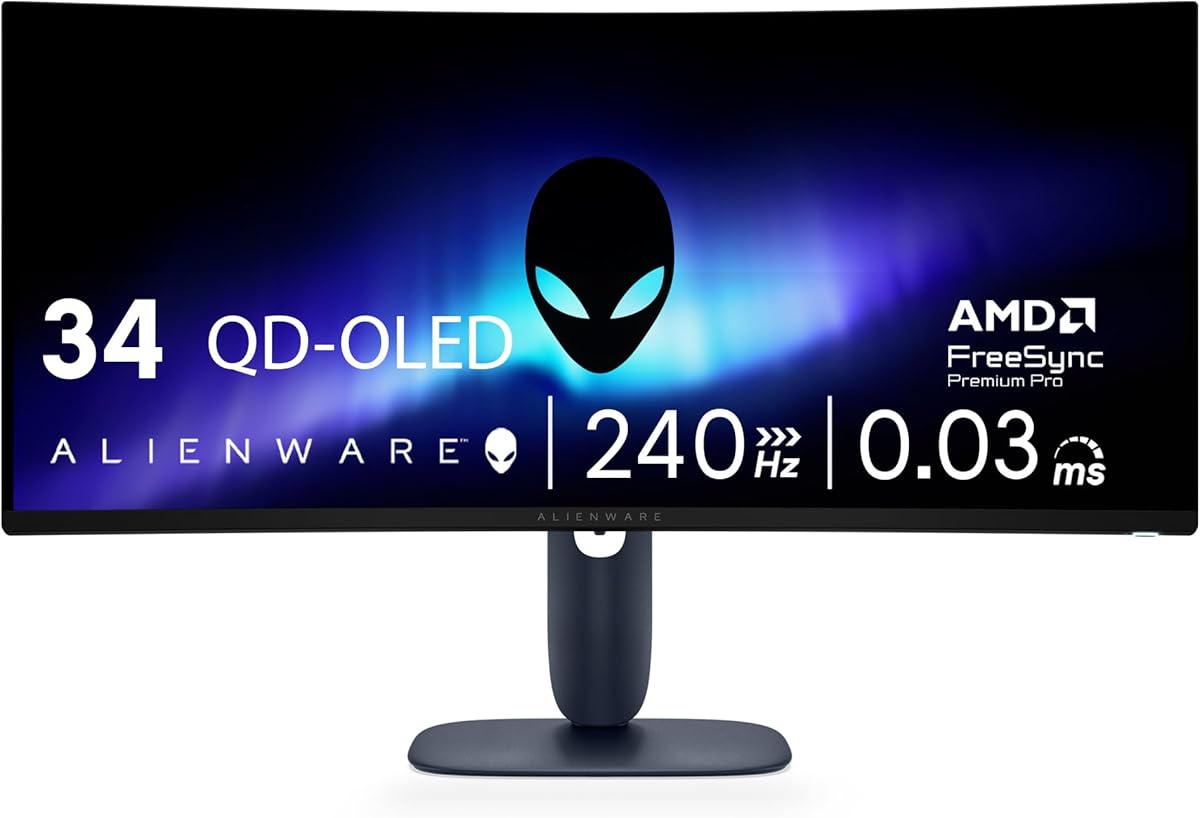
Alienware 34 240Hz QD-OLED Curved Gaming Monitor
4.5Editor score
QD-OLED technology
0.03ms response time
1800R curved display
Finding the right display can transform your gaming experience significantly. Alienware offers a range of monitors designed for speed and visual fidelity.
We analyzed specifications like refresh rates and panel types to compare these models objectively. Each option targets different needs from esports to immersive single-player adventures.
Read on to see detailed breakdowns of every model listed here. Remember that availability and pricing fluctuate so check current listings before buying.
4.5Editor score

4.6Editor score
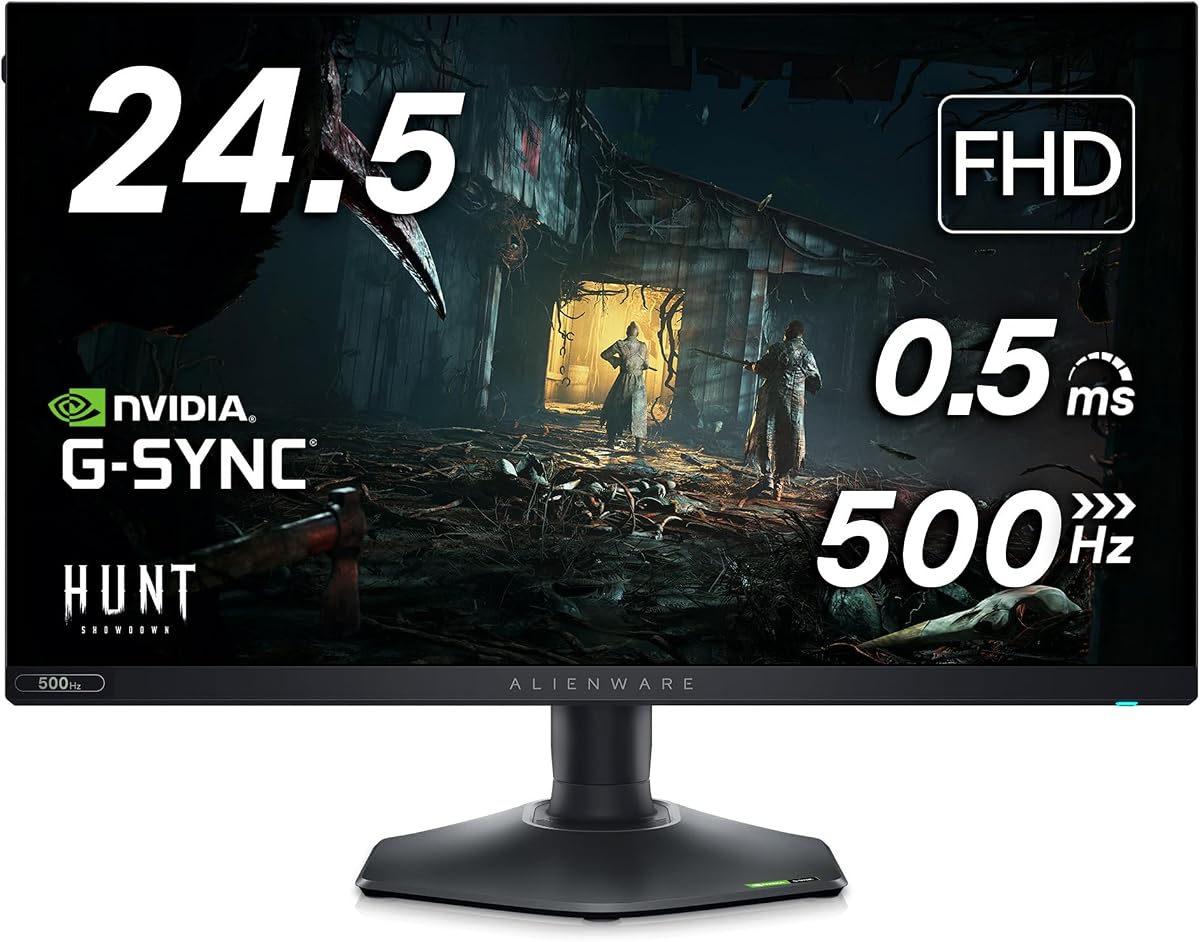
4.4Editor score
As an Amazon Associate we earn from qualifying purchases.
This side-by-side comparison highlights key specifications across all ten models to help you choose based on your specific needs.


This model stands out for its balance of speed and clarity offering QHD resolution with a fast IPS panel. It achieves a 4.6 rating from users who praise its fluid visuals and sharp details.
We may earn a commission when you buy through this link, at no additional cost to you.
The 180Hz refresh rate paired with 1ms response times ensures that competitive games run without noticeable lag. Color coverage reaches 95% of DCI-P3 making scenes look vibrant and true to life.
While it lacks higher HDR brightness compared to OLED options the VESA DisplayHDR 400 certification still provides decent contrast. The low blue light feature helps reduce strain during long sessions.
Gamers seeking a reliable daily driver for mixed use will find this monitor ideal. Its performance justifies the recommendation for most PC gaming setups today.
The 180Hz refresh rate ensures smooth motion rendering which is critical for fast-paced shooters and racers.
With 95% DCI-P3 coverage colors appear rich and accurate enhancing the visual appeal of every game.
We may earn a commission when you buy through this link, at no additional cost to you.
This ultrawide monitor delivers elite immersion with QD-OLED technology and a 240Hz refresh rate. Users rate it 4.5 stars for its sweeping visuals and super smooth motion.
We may earn a commission when you buy through this link, at no additional cost to you.
The 0.03ms response time is near instantaneous providing unmatched clarity in motion. Color coverage hits 99.3% of DCI-P3 ensuring that every hue is rendered with precision.
VESA DisplayHDR TrueBlack 400 and infinite contrast ratio make dark scenes pop without losing detail. However the curved design may not suit every desk layout.
Enthusiasts looking for the ultimate visual fidelity will appreciate this model. Its speed and color performance set a new standard for premium gaming displays.
Adaptive sync technologies ensure games feel effortlessly smooth regardless of your GPU setup.
The 1800R curve wraps around your field of view for a truly immersive experience.
We may earn a commission when you buy through this link, at no additional cost to you.
This monitor pushes the boundaries of speed with a native 480Hz refresh rate and 0.5ms response time. It is designed for competitive gamers who prioritize motion clarity above all.
We may earn a commission when you buy through this link, at no additional cost to you.
The Fast IPS panel delivers 99% sRGB coverage ensuring colors remain consistent even at extreme speeds. NVIDIA Reflex Latency Analyzer helps you optimize system performance for the lowest latency.
While the resolution is Full HD the sheer smoothness makes movement feel natural. Anti-glare coating helps manage reflections during bright gaming sessions.
If your goal is competitive advantage this model offers exceptional value. The refresh rate places it ahead of many higher resolution alternatives in speed tests.
The 480Hz rate eliminates blur allowing you to track enemies with pixel perfect precision.
NVIDIA Reflex technology ensures your inputs register instantly on the screen.
We may earn a commission when you buy through this link, at no additional cost to you.
The AW3423DW combines quantum dot OLED technology with a 175Hz refresh rate for cinematic gaming. Its curved design and infinite contrast ratio create deep blacks and vibrant colors.
We may earn a commission when you buy through this link, at no additional cost to you.
The 0.1ms response time ensures fluid motion rendering making fast action look natural. Creator mode allows precise color-critical work by offering native DCI-P3 and sRGB spaces.
Vast visuals are enhanced by HDR support which brings out details in bright and dark areas. The adjustable stand adds ergonomics for comfortable viewing sessions.
This model remains a top choice for those wanting OLED quality without the highest premium pricing. It suits both gamers and creative users effectively.
Quantum Dot technology delivers a higher peak luminance and greater color gamut than standard panels.
The 1800R curve wraps around your view for a more engaging visual experience.
We may earn a commission when you buy through this link, at no additional cost to you.
This monitor brings quantum dot OLED technology to a 27 inch form factor with a 240Hz refresh rate. It merges high speed with the deep contrast of OLED panels.
We may earn a commission when you buy through this link, at no additional cost to you.
The QD-OLED panel ensures vibrant colors and precise details across the screen. Response times are minimal keeping motion blur at bay during competitive play.
HDR support enhances visual fidelity allowing for better range in dark and bright scenes. The design supports efficient cable management and ventilation for longevity.
Gamers who want OLED quality in a standard 27 inch size will find this model compelling. It is a strong choice for high end builds.
QD-OLED delivers a superior color performance and higher peak luminance compared to standard OLED.
With 240Hz and fast response this monitor eliminates blur and stutter seamlessly.
We may earn a commission when you buy through this link, at no additional cost to you.
This renewed option offers 4K resolution on a QD-OLED panel for supreme pixel clarity. The super-dense 166 PPI ensures sharp images and high color purity.
We may earn a commission when you buy through this link, at no additional cost to you.
Dolby Vision and VESA DisplayHDR True Black 400 produce a stunning range of dark to light colors. This makes the monitor stand out in HDR content performance.
The 240Hz refresh rate keeps motion fluid while maintaining high resolution detail. Innovative design includes 360-degree ventilation for improved cooling.
Ideal for users who prioritize sharpness and color fidelity this model delivers exceptional fidelity. Check condition notes when purchasing renewed items for peace of mind.
166 PPI provides the highest pixel density of any Alienware monitor for crisp visuals.
Infinite contrast ratio and Dolby Vision ensure scenes look true to life.
We may earn a commission when you buy through this link, at no additional cost to you.
Designed for esports this model features a 360Hz refresh rate and 0.5ms response time for smooth gameplay. It ensures you react quickly to fast moving graphics.
We may earn a commission when you buy through this link, at no additional cost to you.
AMD FreeSync Premium and VESA AdaptiveSync keep gaming stutter and tear free during intense sequences. The Fast IPS panel offers consistent vivid colors across wide angles.
The hexagonal base optimizes desk footprint and frees mouse movement for ideal setups. A retractable headset hanger adds convenience for daily use.
Competitive players will appreciate the speed and ergonomics this monitor provides. It balances high refresh performance with practical design elements well.
The 360Hz variable refresh rate keeps motion fluid and responsive at all times.
The hexagonal base allows easy movement of mouse and keyboard on your desk.
We may earn a commission when you buy through this link, at no additional cost to you.
This bundle offers the popular AW2523HF monitor plus HEX accessories for added utility. The 360Hz refresh rate ensures smooth competitive play and quick reaction times.
We may earn a commission when you buy through this link, at no additional cost to you.
The Fast IPS panel supports 99% sRGB coverage for vivid colors during long sessions. AMD FreeSync Premium Technology helps prevent screen tearing effectively.
Included accessories like USB LED light and hub enhance desk setup flexibility. Adjustability features allow personalized viewing comfort for different desk heights.
For gamers wanting extra convenience with their high-speed monitor this bundle is attractive. It provides performance and peripherals in one package.
The HEX Accessories bundle includes a hub and light to streamline your desk.
With 360Hz refresh rate you will notice minimal blur in fast moving games.
We may earn a commission when you buy through this link, at no additional cost to you.
This monitor dominates fast-paced games with a 240Hz refresh rate overclockable to 280Hz. It features Triple sync certification for seamless frame synchronization across GPUs.
We may earn a commission when you buy through this link, at no additional cost to you.
VESA DisplayHDR 600 ensures deep contrast and brighter peaks for immersive visuals. The Nano Color panel delivers vivid accurate colors from any viewing angle.
The Legend 2.0 stand is fully ergonomic with height tilt and pivot adjustments. AlienFX RGB lighting allows personalization to match your battlestation.
Gamers seeking top tier speed and HDR quality will find this model exceptional. It balances performance with comfort and style for a complete package.
The overclocked 280Hz refresh rate reduces motion blur for a competitive edge.
HDR600 certification brings deeper contrast and brighter highlights to your scene.
We may earn a commission when you buy through this link, at no additional cost to you.
This model offers an immersive 34 inch ultrawide view with WQHD resolution for detailed worlds. Its 120Hz refresh rate pairs with NVIDIA G-SYNC for smooth gameplay.
We may earn a commission when you buy through this link, at no additional cost to you.
The 1900R curve maximizes field of view for consistent visual experience. IPS Nano color technology provides 98% DCI-P3 coverage for accurate vivid colors.
AlienFX customizable lighting allows setting the mood with multiple zones. The anti-glare coating helps maintain clarity under various lighting conditions.
Ideal for immersion focused gamers this classic model delivers quality and width. It remains a strong option for those prioritizing field of view.
The 21:9 aspect ratio and curvature create a natural viewing experience.
With 98% DCI-P3 you see accurate colors as the game was designed.
We may earn a commission when you buy through this link, at no additional cost to you.
Choosing the right monitor depends on balancing speed resolution and visual fidelity. Use these factors to narrow down options.
Refresh rate determines how many frames are displayed per second affecting motion fluidity. Higher response times reduce ghosting in fast scenes.
Prioritize high refresh rates like 240Hz for competitive games while checking response times for clarity.
OLED and QD-OLED panels offer deep blacks and high contrast while IPS ensures wide viewing angles. Each type has trade-offs in brightness and color.
Choose OLED for cinematic immersion or IPS for consistent color accuracy across angles.
Resolution impacts pixel density and sharpness. Higher resolutions like WQHD and 4K offer clarity but demand more GPU power.
Match resolution with your graphics card to maintain high frame rates smoothly.
Curved screens wrap around your field of view enhancing immersion. Flatter screens provide more accurate geometry for certain games.
Select a curve like 1800R if you prioritize a wider field of view.
Color coverage like DCI-P3 and sRGB ensures accurate and vibrant visuals. Look for Delta E values below 2 for precise colors.
Higher color gamut coverage is vital for creative work alongside gaming.
Adaptive sync standards like G-SYNC and FreeSync prevent screen tearing and stuttering. These features align GPU output with the monitor refresh rate.
Ensure your GPU supports the monitor sync technology to avoid compatibility issues.
Adjustable stands with height tilt swivel and pivot settings improve comfort during long sessions. Look for ergonomic features to reduce strain.
A good stand allows you to position the screen at eye level easily.
Ports like HDMI 2.1 and DisplayPort 1.4 support high bandwidth for 4K and high refresh rates. Ensure your connections match your GPU capabilities.
Check cable support to avoid bottlenecks affecting performance.
Set up the monitor on a stable surface and connect it using the highest bandwidth cable available. Ensure your GPU drivers are updated for optimal sync features.
Calibrate color settings using the OSD menu to match your preferred color space like sRGB or DCI-P3. Adjust brightness to reduce eye strain during long sessions.
Keep the screen clean with a soft microfiber cloth to avoid scratches. Avoid direct sunlight to maintain panel longevity and color accuracy.
OLED offers infinite contrast and deep blacks which look stunning in dark scenes. IPS provides better brightness and consistent viewing angles. Your choice depends on prioritizing contrast or brightness.
Competitive gamers benefit from refresh rates of 240Hz or higher. These rates reduce motion blur and input lag significantly. Aim for models with low response times for best results.
Most models support HDMI 2.1 and variable refresh rates suitable for consoles. Ensure your console supports HDR and high refresh rates for best experience.
Many Alienware monitors feature HDR certifications like True Black or HDR600. This provides better dynamic range and depth in games with HDR support.
The Legend design includes a hexagonal base and ergonomic adjustability for comfort. It supports cable management and ventilation to improve desk space.
Avoid static images like logos or taskbars for extended periods. Use screen savers and enable pixel shift features in settings to distribute wear evenly.
Our top picks highlight the best balance of speed and visuals for different needs from budget speed to premium OLED.
Prioritize refresh rate and panel technology based on your main use case whether competitive or immersive.
Check current availability and pricing since stock and offers change regularly.