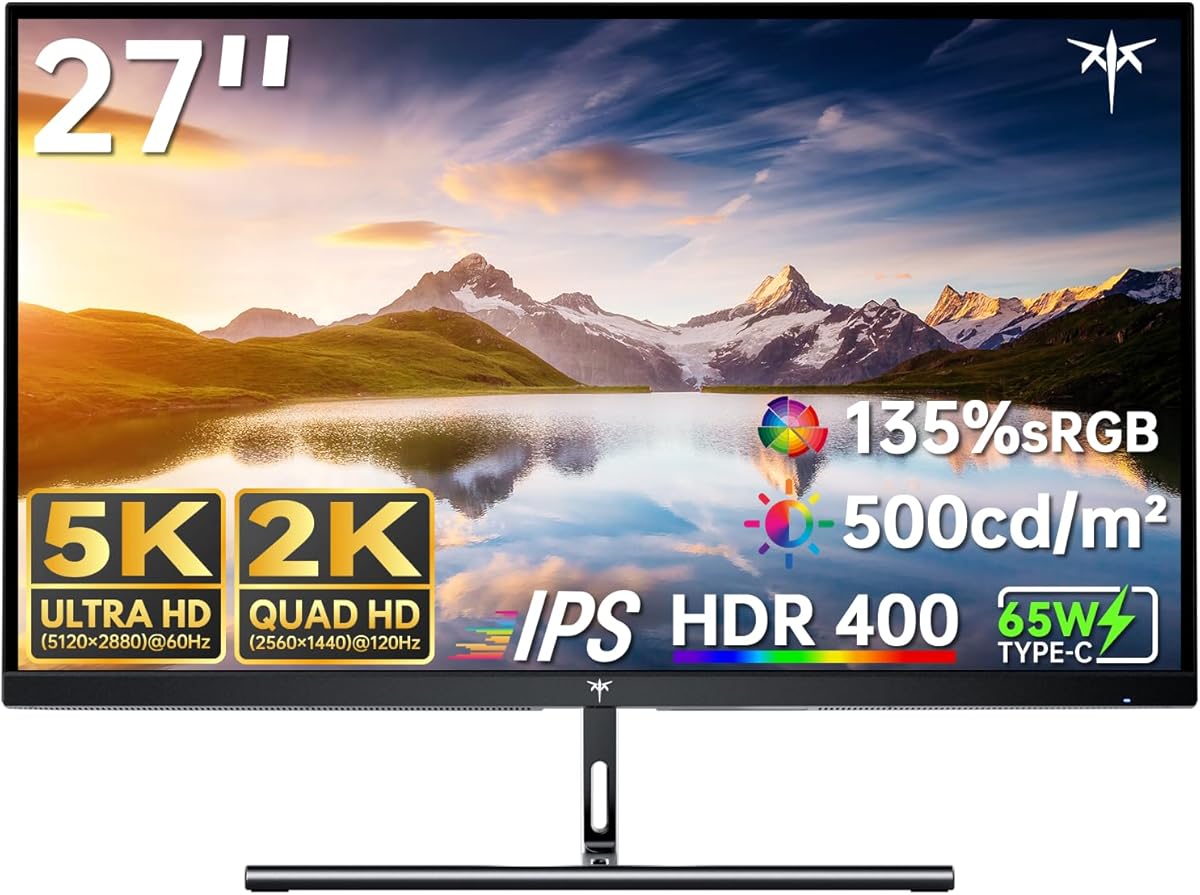
KTC 5K Monitor 27 Inch
4.4Editor score
65W Type-C fast charging
Dual Mode 5K and 2K
99% DCI-P3 coverage
Finding the right display is crucial for creative professionals and gamers seeking high fidelity. A 27 inch 5K monitor offers exceptional pixel density and sharp visuals that enhance productivity and immersion significantly.
We evaluated ten top models based on panel technology, color gamut coverage, and connectivity features. Our analysis focuses on real-world performance for Mac users, designers, and competitive gamers needing precise displays.
Each pick highlights specific strengths like HDR performance or dual-mode switching. Note that prices fluctuate frequently, so check current listings before purchasing to ensure you get the best value available today.
4.4Editor score

3.6Editor score
3.1Editor score
As an Amazon Associate we earn from qualifying purchases.
This side-by-side comparison highlights key specifications across all ten models to help you decide based on your specific workflow needs and budget constraints effectively.




The ASUS ProArt PA27JCV stands out as a dedicated tool for creatives needing reliable color performance. With a 3.6 rating, it offers consistent quality suitable for design tasks rather than high-speed gaming.
We may earn a commission when you buy through this link, at no additional cost to you.
Its 5K panel delivers sharp text and vibrant visuals with 99% DCI-P3 coverage. Factory pre-calibration ensures Delta E<2 accuracy right out of the box, saving time for professionals who need precision immediately.
While it lacks high refresh rates for gaming, the 96W USB-C power delivery simplifies laptop setups by charging devices while displaying content. The KVM feature allows switching between two computers seamlessly with one mouse and keyboard.
This monitor is ideal for graphic designers and video editors using Mac systems. Its extended five-year warranty provides peace of mind for professional environments where reliability is paramount for daily operations.
Calman Verified color accuracy ensures that what you see matches final outputs across different devices and platforms effectively.
Ambient light sensors adjust brightness automatically to reduce eye strain during long work sessions in varying lighting conditions.
We may earn a commission when you buy through this link, at no additional cost to you.
The Samsung Odyssey G8 targets gamers who demand speed without sacrificing resolution. Its 4.4 rating reflects strong performance in fast-paced titles where responsiveness matters most for competitive play.
We may earn a commission when you buy through this link, at no additional cost to you.
Dual mode technology allows toggling between 5K at 180Hz and QHD at 360Hz. This flexibility lets users prioritize detail in single-player games or speed in multiplayer matches with a single button press easily.
Fast IPS technology reduces motion blur significantly compared to standard panels. G-SYNC compatibility ensures smooth gameplay by syncing the GPU refresh rate with the display to prevent screen tearing during intense action.
This monitor is best for serious gamers with powerful GPUs. The ergonomic stand and multiple input options like DP 2.1 make it versatile for various setups needing top-tier visual fidelity and speed.
Near-instant 1ms response time ensures precise tracking of fast-moving objects without ghosting or motion blur interference.
AMD FreeSync Premium and NVIDIA G-SYNC keep frame rates stable to enhance immersion and reduce visual distractions during play.
We may earn a commission when you buy through this link, at no additional cost to you.
The ASUS ROG XG27JCEG combines high resolution with aggressive gaming features. Although rated N/A, its specs promise excellent responsiveness for competitive shooters and action games requiring quick reactions.
We may earn a commission when you buy through this link, at no additional cost to you.
Dual mode allows switching to QHD at 320Hz for speed or 5K at 80Hz for clarity. The 0.3ms GTG response time ensures minimal lag so inputs register instantly on screen during critical moments.
VESA DisplayHDR 600 delivers bright highlights and deep contrast for immersive visuals. AI-powered features like Dynamic Shadow Boost help you spot enemies in dark corners without adjusting settings manually every time.
This model fits gamers who need both high detail and fast updates. While USB-C power is lower, the extensive connectivity and RGB lighting integration enhance the overall setup aesthetic and functionality significantly.
Fast IPS panel technology ensures vivid colors are maintained even while the display handles rapid motion and high refresh rates.
AI Visual features adjust brightness and contrast dynamically to highlight details in shadows and bright areas automatically.
We may earn a commission when you buy through this link, at no additional cost to you.
The KTC 27 Inch 5K offers excellent value for users seeking high resolution without breaking the bank. Its 4.4 rating suggests solid reliability for general use and light professional workloads efficiently.
We may earn a commission when you buy through this link, at no additional cost to you.
With 135% sRGB coverage, it delivers vibrant visuals suitable for creative tasks. The 65W Type-C port enables charging for laptops while providing video data through a single cable for a cleaner desk setup.
Adaptive Sync technology ensures smooth transitions between modes without stuttering. This monitor is also compatible with Mac mini which simplifies the connection for users within the Apple ecosystem ecosystem.
Ideal for students or budget-conscious creators, this model provides essential features without unnecessary extras. The eye-care features reduce strain allowing for comfortable extended use during heavy editing or browsing sessions.
Flicker-free technology and blue light reduction help protect your vision during long hours of intense screen usage or work.
Multiple ports including HDMI and DisplayPort allow connection to various devices like consoles or older desktop PCs easily.
We may earn a commission when you buy through this link, at no additional cost to you.
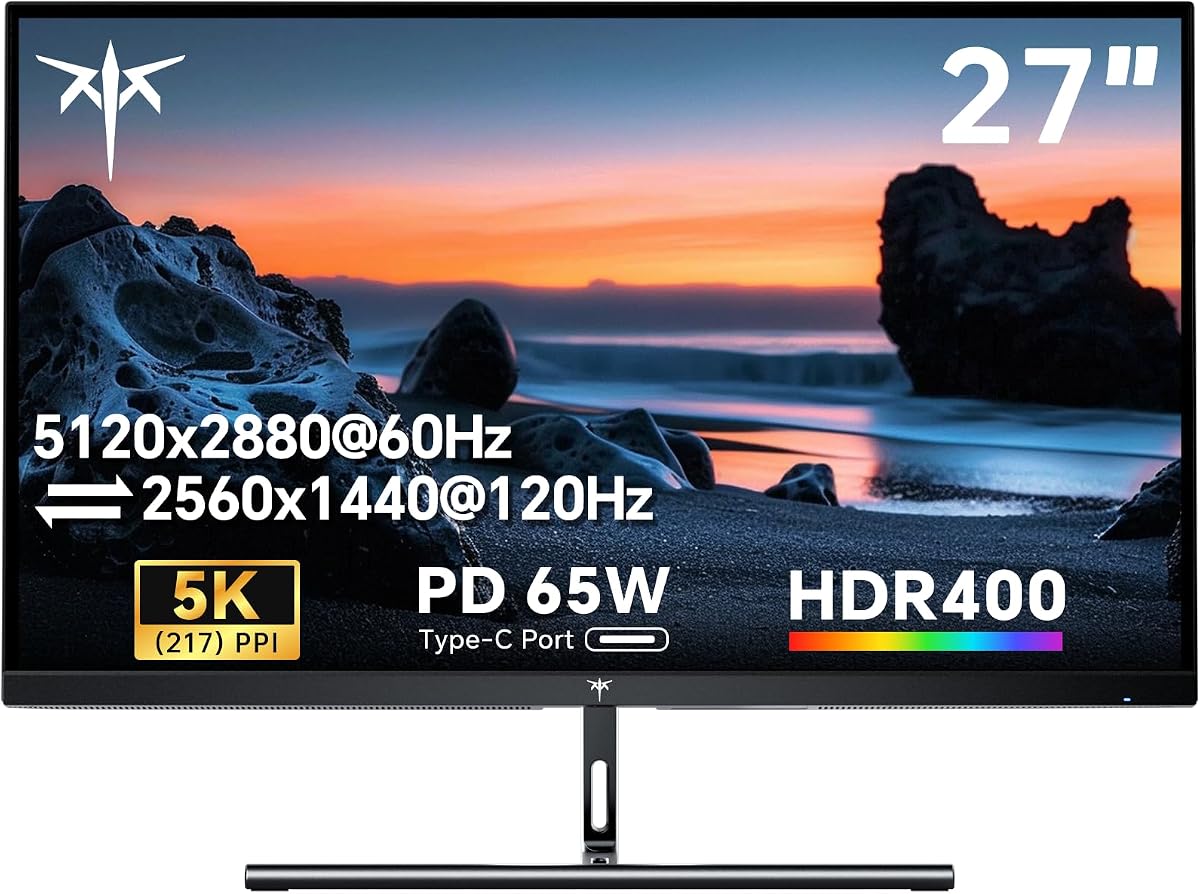
The KTC 5K Monitor 27 Inch delivers a balanced feature set for professionals on a budget. Its 4.4 rating indicates it meets expectations for color fidelity and connectivity in daily professional work.
We may earn a commission when you buy through this link, at no additional cost to you.
Dual mode switching between 5K at 60Hz and 2K at 120Hz offers flexibility. You can prioritize sharp details for design work or higher frame rates for smoother scrolling and multimedia consumption daily.
With 99% DCI-P3 and 100% sRGB coverage, colors are accurate and vibrant. Delta E<2 precision ensures that printed materials match what appears on screen which is critical for graphic designers and artists.
This monitor is perfect for home offices needing reliable performance. The 65W USB-C charging keeps your laptop powered while you work, reducing cable clutter and maintaining a tidy workspace environment.
Hardware low blue light and DC dimming protect your eyes without altering the color calibration accuracy of the panel.
Plug-and-play functionality with Mac Mini means no complex drivers or additional hardware are needed to start using it.
We may earn a commission when you buy through this link, at no additional cost to you.
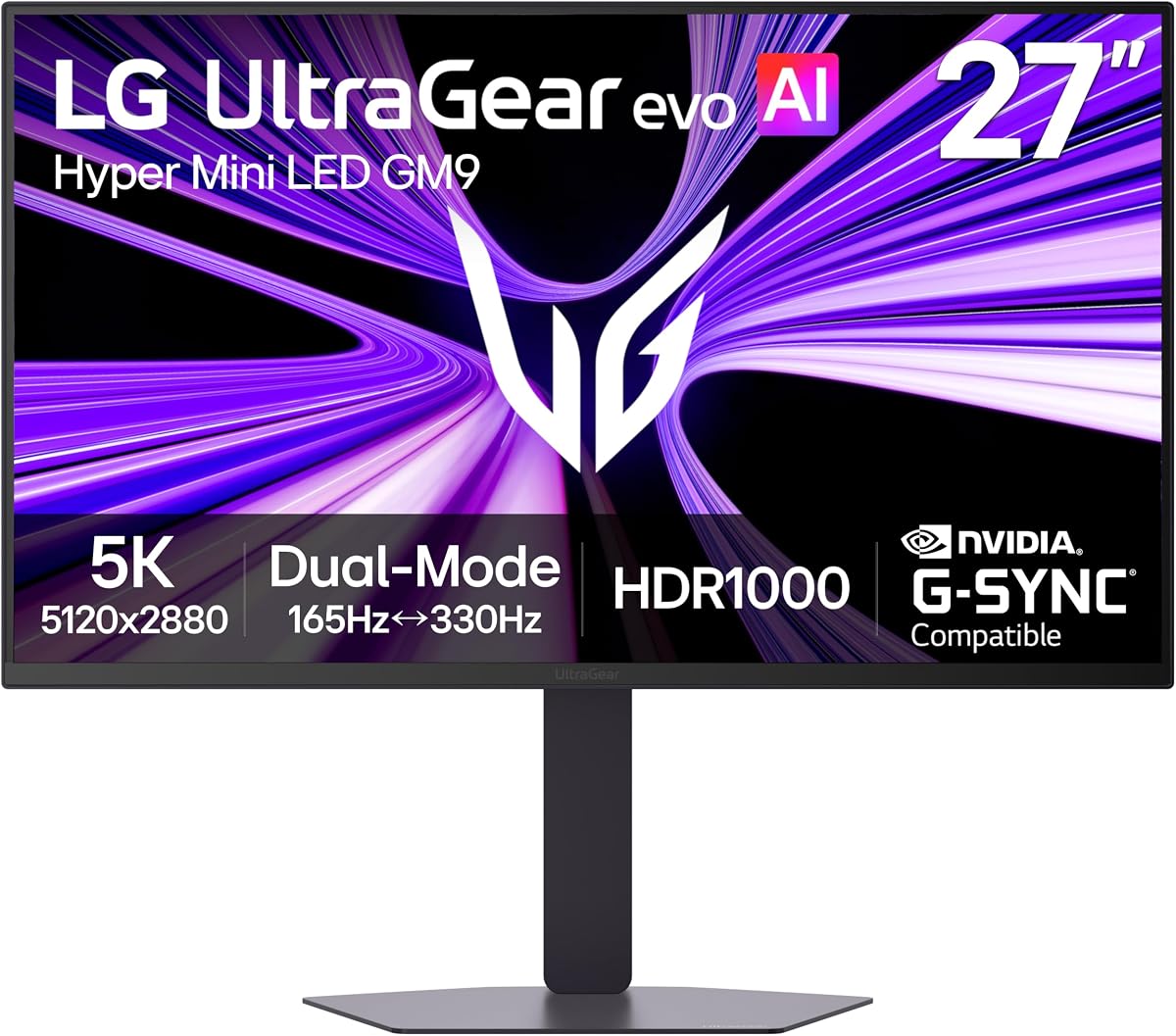
The LG 27GM950B-B represents the cutting edge of display technology with Mini-LED. Despite a 3.1 rating due to firmware issues, its hardware specs are unmatched for HDR gaming and high-end visuals.
We may earn a commission when you buy through this link, at no additional cost to you.
With 1250 nits peak brightness, highlights pop with incredible intensity. The 9216 local dimming zones ensure deep blacks and bright whites coexist without blooming for a true cinematic experience.
Dual mode offers 5K at 165Hz for detail or QHD at 330Hz for speed. AI Upscaling improves lower resolution content to look sharper without needing a more powerful GPU upgrade for your system.
This monitor is for enthusiasts wanting the best possible visual performance. Future-ready connectivity like DP 2.1 ensures compatibility with next-gen GPUs so you are prepared for upcoming hardware upgrades soon.
Zero optical distance engineering minimizes light bleed for sharper details and more accurate shadow representation in dark scenes.
DisplayPort 2.1 provides the ultra-high bandwidth required for high refresh rates at maximum resolution without compression artifacts.
We may earn a commission when you buy through this link, at no additional cost to you.
The Dell S2725QC is a strong option for those prioritizing refresh rate over resolution. With a 4.4 rating, it offers smooth visuals and high comfort making it a great daily driver for office use.
We may earn a commission when you buy through this link, at no additional cost to you.
At 120Hz, this 4K monitor provides fluid motion better than standard 60Hz panels. ComfortView Plus reduces harmful blue light emissions significantly while maintaining color accuracy for all-day comfort at work.
Sound quality has been improved with spacious audio output. This means you get detailed sound without needing external speakers for casual viewing and video calls which saves desk space and reduces clutter.
Ideal for office workers needing high refresh rates, it balances performance and eye care effectively. The single USB-C cable for video and charging simplifies connections making it easy to plug and play immediately.
Improved ComfortView Plus reduces blue light emissions to less than 35 percent for better eye health during long sessions.
AMD FreeSync Premium up to 120Hz ensures tear-free gaming and video playback for a seamless viewing experience always.
We may earn a commission when you buy through this link, at no additional cost to you.
The LG 27UP850K-W is highly rated for media consumption and professional work. Its 4.5 rating reflects excellent quality and reliability making it a popular choice for users who value display consistency.
We may earn a commission when you buy through this link, at no additional cost to you.
With 95% DCI-P3 coverage and HDR400 support, images are vibrant and detailed. The built-in webOS platform allows streaming content directly on the screen without needing to rely on an external computer or device.
The USB-C port delivers up to 90W power which can charge most laptops efficiently. This versatile connectivity along with multiple HDMI options means you can connect consoles or other peripherals easily.
Best for home entertainment and general office use, this model combines functionality with quality. The ergonomic stand allows precise adjustments to ensure a comfortable viewing position for any task you perform daily.
The Switch App allows seamless screen splitting for multitasking or switching between work and streaming applications effortlessly.
Waves MaxxAudio enhances built-in stereo speakers for richer sound without needing external audio equipment or speakers.
We may earn a commission when you buy through this link, at no additional cost to you.
The BenQ PD2730S is tailored for high-end professionals needing color accuracy and connectivity. Its 3.7 rating indicates good performance though some users find the price steep for a single screen setup.
We may earn a commission when you buy through this link, at no additional cost to you.
The Nano Matte Panel diffuses ambient light to reduce glare during long design sessions. With 98% P3 coverage and high contrast, it ensures precise color accuracy essential for VFX and professional digital art.
Thunderbolt 4 connectivity supports data transfer up to 40Gbps and powers your laptop at 90W. Daisy chain capability allows connecting multiple displays without needing additional ports on your computer system.
Best for creative studios requiring precision, this model offers premium build quality. The included KVM switch lets you control multiple systems with one keyboard and mouse to boost your productivity workflow.
Nano Matte Panel reduces reflections effectively for a reflection-free feature that enhances eye comfort during work.
KVM switch and Hotkey Puck enable easy system switching between computers without needing separate peripherals for each.
We may earn a commission when you buy through this link, at no additional cost to you.
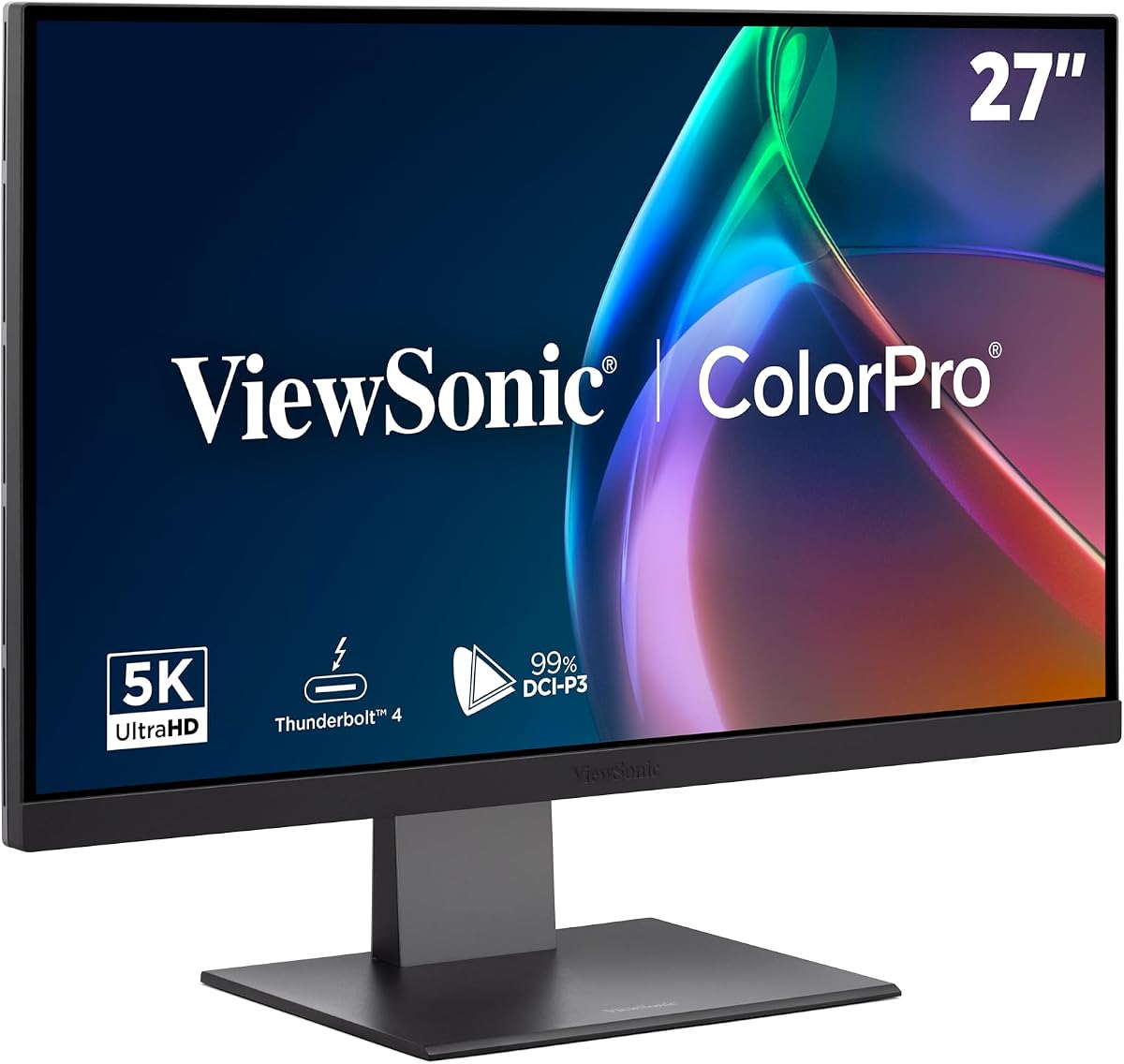
The ViewSonic VP2788-5K is designed for Mac users wanting an expandable workspace. With a 3.7 rating it delivers high-quality visuals and robust connectivity for designers needing multiple screens effectively.
We may earn a commission when you buy through this link, at no additional cost to you.
Daisy chain support allows connecting two 5K monitors seamlessly without extra hubs. This creates a wide workspace for complex projects while maintaining high resolution across the entire virtual display area.
Thunderbolt 4 provides 40 Gbps data transfer and 100W power delivery. This ensures your MacBook stays charged even when running high-performance applications that require significant processing power and screen resolution.
Best for professionals building a Mac workstation this model aligns with industry standards. Pantone Validated color precision ensures that creative outputs match expectations which is vital for print and digital design tasks.
Mac-Ready design ensures seamless compatibility with macOS for effortless setup and optimized performance for users.
Pantone Validated display means it can reproduce specific colors essential for professional creative output work.
We may earn a commission when you buy through this link, at no additional cost to you.
Choosing the right monitor depends on your specific workflow needs and budget constraints. This guide breaks down the most critical factors to consider.
A 27 inch 5K monitor offers 5120 x 2880 pixels resulting in 218 PPI which is crucial for sharp text and fine details. High density reduces eye strain because text appears smoother compared to lower resolution displays.
Look for pixel density around 218 PPI to ensure that images and text look crisp at normal viewing distances.
For creative work look for monitors with 99% DCI-P3 or 100% sRGB coverage to ensure accurate color representation. Professional workflows rely on these standards to guarantee print and digital consistency.
Check for Delta E<2 calibration to guarantee that colors match industry standards right out of the box.
Gamers should prioritize high refresh rates like 165Hz or higher combined with response times under 1ms. This combination ensures smooth motion and minimal ghosting during fast-paced gameplay.
For general work a 60Hz refresh rate is sufficient while competitive gaming requires higher speeds to maintain smoothness and reaction times.
Ensure the monitor has sufficient USB-C power delivery to charge your laptop while displaying video. Thunderbolt 4 is preferred for Mac users as it supports high data speeds and multiple displays.
Check for HDMI 2.1 or DisplayPort 2.1 support if you plan to connect next-generation gaming consoles or high-end graphics cards.
HDR ratings like HDR600 or HDR1000 indicate better contrast and brightness control. Mini-LED panels offer superior HDR performance by dimming local zones to create deep blacks and bright highlights.
If you watch a lot of movies or work with video HDR 1000 certification provides a more immersive visual experience than standard HDR400.
Adjustable stands with tilt swivel and height options are essential for long working hours. A good stand allows you to align the screen with your eye level to reduce neck strain.
Look for VESA mounting compatibility if you prefer to use a third-party arm to save desk space and customize your setup.
Professional monitors often come with extended warranties like five years which provide peace of mind. Check the manufacturer policy regarding dead pixels and hardware failures before making a purchase.
Longer warranties are crucial for business environments where downtime can impact productivity and overall business operations significantly.
Dual mode allows switching between high resolution and high refresh rates on the same screen. This is useful for users who need both detailed work and smooth gaming on one device.
Prioritize monitors that support switching between 5K for clarity and lower resolutions for speed to maximize usability across different tasks.
To maintain the longevity of your display always handle the screen gently and avoid applying pressure to the panel. Use a soft microfiber cloth to wipe away dust and fingerprints without using harsh chemicals that can damage the coating.
Calibrate your monitor regularly using built-in software or external tools to keep color accuracy consistent. This ensures that your work looks correct on other devices and helps prevent eye strain during long editing sessions.
Adjust the brightness and contrast settings to match your room lighting conditions to protect your eyes. Using features like blue light reduction during night hours can further reduce strain and improve your overall comfort.
Yes a 27 inch 5K monitor offers higher pixel density which results in sharper text and finer details than 4K. This makes it ideal for professional design work and productivity where clarity is essential.
Yes driving 5K resolution requires a powerful graphics card especially for gaming. If you use the monitor for productivity tasks a mid-range GPU is sufficient but gaming demands high-end hardware.
Absolutely many 5K monitors feature Thunderbolt 4 or USB-C ports that are fully compatible with Mac systems. Ensure you use high-quality cables to support the required bandwidth and power delivery.
Dual mode lets you switch between high resolution for clarity and lower resolution for higher refresh rates. This flexibility is great for users who need both detailed work and smooth gaming on one screen.
Generally 5K monitors are pricier than standard 4K options due to advanced technology. However prices have become more competitive with options available for both professionals and budget-conscious consumers.
Use a soft dry microfiber cloth to wipe the screen gently without applying pressure. Avoid using household cleaners or alcohol as they can damage the anti-glare coating on the panel.
The top picks in this guide offer a range of options for different needs. The ASUS ProArt PA27JCV leads for professionals while the Samsung Odyssey G8 excels for gamers seeking speed.
Prioritize color accuracy and connectivity if you work with design or video editing. For gaming focus on refresh rates and response times to ensure smooth and responsive gameplay.
Remember that prices can fluctuate so check current listings before buying to secure the best value for your specific setup and needs today.