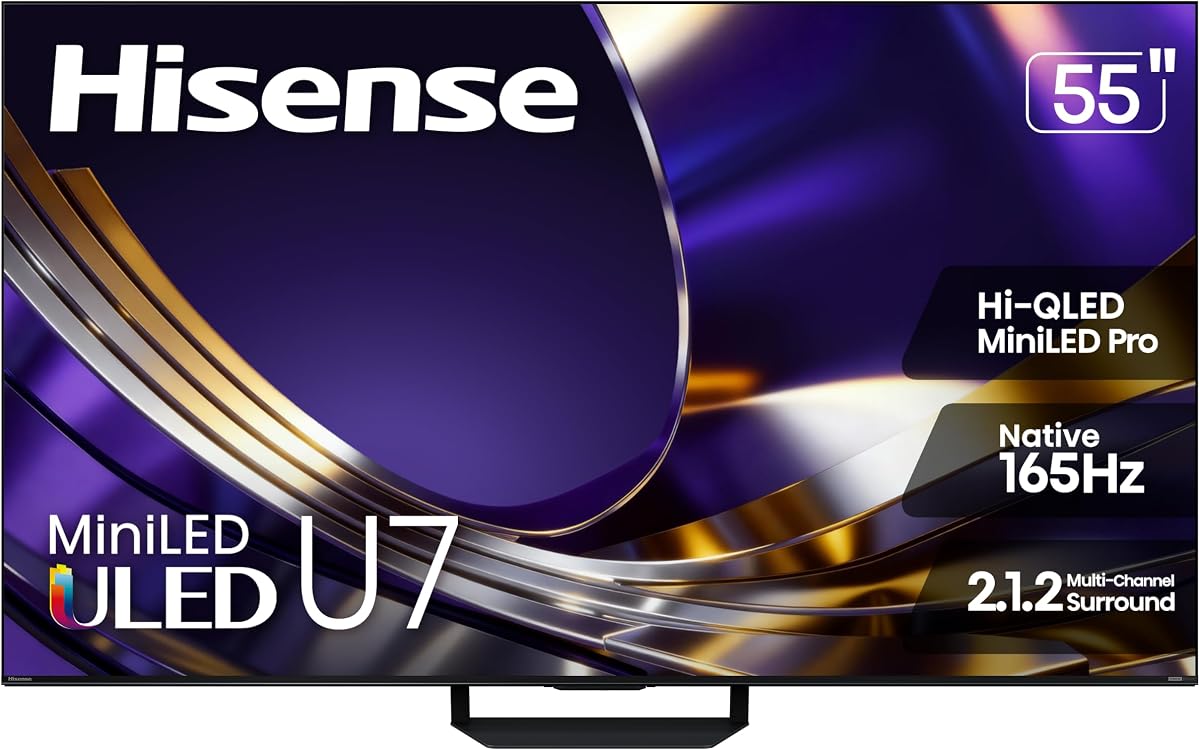
Hisense 55 U7 Mini-LED ULED 4K UHD
4.4Editor score
165Hz Native Refresh
3000 Nits Brightness
Anti-Reflection Coating
This guide compares the top 10 Gaming TV for PS5 and Xbox models, analyzing refresh rates, HDMI 2.1 support, and HDR performance for peak console gaming.
Finding the right display for next-gen consoles requires specific technical features like high refresh rates and low input lag. A good gaming TV ensures smooth motion and vibrant colors without compromising picture quality during fast-paced action scenes.
We compared ten top-rated models based on their refresh rates, HDR support, and smart platform capabilities. Our analysis focuses on how each unit handles 4K gaming and what unique features they offer for immersive gameplay experiences.
Each pick highlights key strengths and potential trade-offs to help you choose wisely. Remember that product availability and pricing can change frequently, so verify current details before making your final purchase decision today.
4.4Editor score

4.1Editor score
4.2Editor score
This side-by-side comparison evaluates all ten selected models based on their core gaming capabilities and visual performance metrics to help you make an informed decision.


This Sony TV is optimized for PS5 users seeking high-end visual fidelity. It scores a strong rating for its clear image processing and seamless console integration features.
We may earn a commission when you buy through this link, at no additional cost to you.
The Auto HDR Tone Mapping ensures games look their best without manual tweaking. Motionflow XR keeps fast-paced action smooth, while X-Balanced Speakers deliver rich sound.
Although local dimming is not extensive, the XR Processor enhances contrast effectively. The price point is a trade-off for Sony's superior tuning and build quality.
Buy this if you prioritize picture accuracy and console synergy. It remains a top choice for those wanting a premium Google TV experience with solid gaming performance.
Auto Genre Picture Mode automatically adjusts settings when a PS5 is detected.
Dolby Atmos and DTS:X support creates a surround sound environment.
We may earn a commission when you buy through this link, at no additional cost to you.
The Hisense U7 leads in brightness and contrast thanks to Mini-LED tech. It earns high marks for competitive gaming due to its native 165Hz refresh rate.
We may earn a commission when you buy through this link, at no additional cost to you.
Peak brightness of 3000 nits makes HDR games pop in bright rooms. Anti-reflection layers help maintain clarity under various lighting conditions effectively.
While the 3000 dimming zones offer great control, the smart OS can be occasionally sluggish. However, the visual performance justifies the premium price tag.
Ideal for serious gamers who demand top-tier image quality. This model delivers a cinema-like experience at home with robust gaming features.
Variable Refresh Rate up to 330Hz ensures tear-free visuals.
Hi-View AI Engine Pro adjusts color and contrast automatically.
We may earn a commission when you buy through this link, at no additional cost to you.
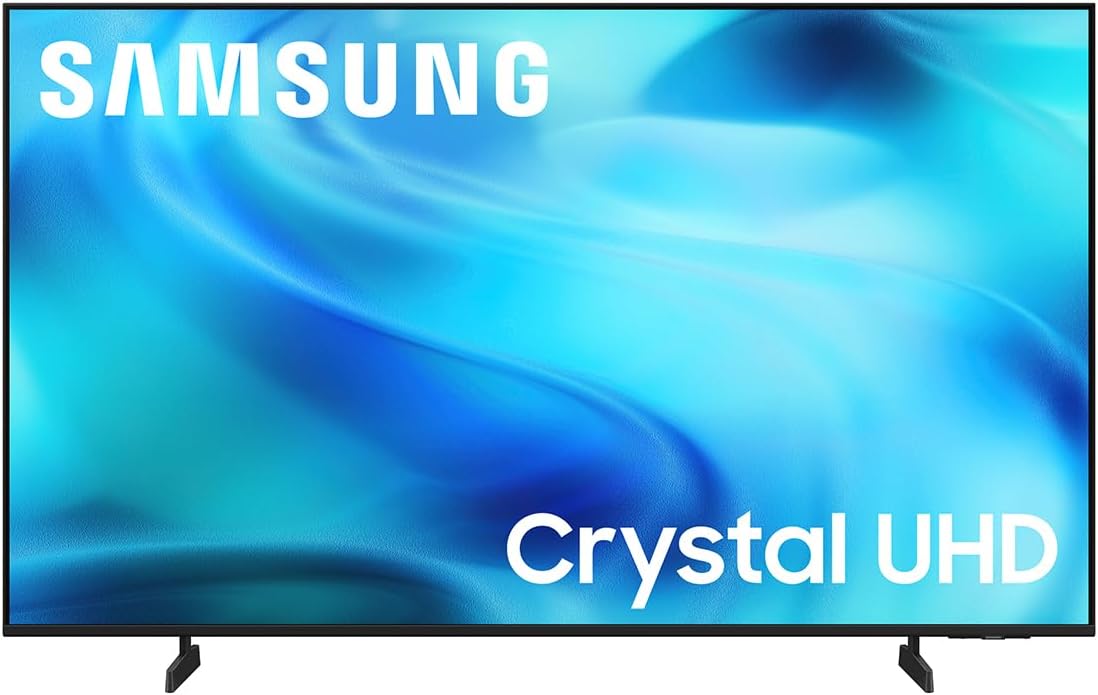
For budget-conscious buyers, the Samsung U8000H offers solid 4K performance. It is rated well for daily use and casual gaming needs in standard environments.
We may earn a commission when you buy through this link, at no additional cost to you.
Motion Xcelerator ensures smooth playback of sports and action. The Crystal Processor enhances lower resolution content to look nearly 4K sharp.
Trade-offs include lack of 120Hz native support and simpler HDR handling. These are acceptable given the affordable price and overall reliability.
Perfect for entry-level setups where cost matters most. It provides a reliable smart TV platform that supports essential gaming inputs.
Upscales 1080p content to crisp 4K resolution.
Color Booster intensifies shades for better realism.
We may earn a commission when you buy through this link, at no additional cost to you.
This TV is designed for connectivity with four HDMI 2.1 ports. It earns a solid rating for supporting multiple consoles simultaneously without port switching.
We may earn a commission when you buy through this link, at no additional cost to you.
With up to 240Hz VRR, it handles high frame rate gaming exceptionally well. Dolby Vision Gaming adds immersive HDR without extra setup steps.
Less known branding means fewer community resources for troubleshooting. But the hardware specs rival more expensive competitors in the same class.
Great for households with multiple consoles or streaming gear. The feature set offers immense value for the current market price.
Connect PS5, Xbox, PC, and soundbar simultaneously.
Auto Low Latency Mode switches instantly on console detect.
We may earn a commission when you buy through this link, at no additional cost to you.
The U6 Pro combines Mini-LED brightness with Fire TV convenience. It rates highly for gamers who prefer Amazon's smart interface over others.
We may earn a commission when you buy through this link, at no additional cost to you.
144Hz refresh ensures smooth gameplay for PC and consoles. The anti-reflection screen helps maintain visibility in bright living spaces.
Fire TV navigation can be slightly dense for new users. But the dedicated subwoofer improves audio without external speaker costs.
Choose this if you want seamless Alexa integration. It balances gaming performance with smart features effectively.
Alexa+ allows voice search and smart home control.
Built-in subwoofer provides immersive sound.
We may earn a commission when you buy through this link, at no additional cost to you.
This TCL model brings QLED color to a mid-range price. It is rated positively for delivering vibrant visuals suitable for general entertainment.
We may earn a commission when you buy through this link, at no additional cost to you.
Motion Rate 480 reduces blur during sports or action scenes. Google TV offers a user-friendly app selection without complexity.
Brightness may struggle in very sunny rooms without curtains. But for dimmed settings, the color space is quite impressive.
Best for casual gamers on a strict budget. It offers modern features without the premium price tag of higher-end sets.
QLED covers nearly entire DCI-P3 color space.
Voice remote simplifies content discovery.
We may earn a commission when you buy through this link, at no additional cost to you.
Samsung delivers strong motion clarity with Motion Xcelerator DLG. It is rated well for reducing blur during high-speed sequences.
We may earn a commission when you buy through this link, at no additional cost to you.
The Gaming Hub aggregates cloud games and local apps. Mini LED tech provides superior contrast and deeper blacks than standard LED.
The interface can feel cluttered with too many options. But the core picture quality remains reliable across different content types.
Ideal for Samsung ecosystem users. The combination of gaming features and streaming makes it versatile.
Access cloud games and local apps in one place.
Mini LED dimming ensures deep blacks.
We may earn a commission when you buy through this link, at no additional cost to you.
For big room setups, this 65-inch QM6K offers immersive viewing. It is rated high for brightness and local dimming performance.
We may earn a commission when you buy through this link, at no additional cost to you.
Onkyo audio delivers rich sound without extra speakers. The Halo Control system minimizes light bleed around bright objects.
The size demands a solid table or mount installation. But the visual impact for movies and games is immense.
Choose this for a home theater vibe. It brings premium features to a large screen price.
Onkyo audio provides deep bass and clarity.
Halo Control prevents light bleed on screen.
We may earn a commission when you buy through this link, at no additional cost to you.
Roku focuses on ease of use with its clean interface. It rates well for simplicity and accessibility for general viewers.
We may earn a commission when you buy through this link, at no additional cost to you.
The Smart Picture optimizes signals for better clarity. Bluetooth headphone mode allows private listening without cables.
Casual gaming may suffer from slightly higher input lag. But streaming and media viewing remain smooth and responsive.
Perfect for those who want plug-and-play simplicity. The interface is intuitive and free of clutter.
Setup takes minutes with simple on-screen instructions.
Connect headphones via Bluetooth for silent viewing.
We may earn a commission when you buy through this link, at no additional cost to you.
The E6 uses an AI Light Sensor for automatic brightness. It is rated moderately for general viewing and streaming performance.
We may earn a commission when you buy through this link, at no additional cost to you.
Wi-Fi 6 ensures fast streaming speeds and stability. Dolby Vision adapts content to your room lighting effectively.
Motion handling lags behind premium models for gaming. But for casual play and movie watching, it suffices well.
Recommended for smart home integrated setups. The AI features add convenience to everyday viewing.
Adjusts brightness automatically based on ambient light.
Wi-Fi 6 provides stable high speed streaming.
We may earn a commission when you buy through this link, at no additional cost to you.
Selecting the right console display requires evaluating specific hardware specs that directly impact gameplay experience.
Refresh rate determines how many frames per second a TV can display. A 120Hz or higher rate is crucial for smooth motion in fast games.
Always look for a panel refresh rate of at least 120Hz to avoid motion blur during gameplay.
HDMI 2.1 ports enable 4K resolution at high frame rates. Next-gen consoles need this for full bandwidth usage.
Ensure the TV has at least two HDMI 2.1 ports for simultaneous console and PC use.
Variable Refresh Rate syncs the TV with the console frame output. This prevents screen tearing and stuttering.
Choose a model with FreeSync or G-Sync certification for tear-free graphics.
Input lag is the delay between pressing a button and seeing the result. Competitive gaming needs very low latency.
Aim for input lag below 15ms in Game Mode for responsive controls.
HDR formats like Dolby Vision enhance contrast and color depth. Different games support different standards.
Look for TVs that support both HDR10 and Dolby Vision for compatibility.
Smart interfaces allow easy access to streaming apps alongside gaming. Platforms like Google TV or Fire TV offer distinct ecosystems.
Pick a smart system that fits your existing subscription services.
High brightness helps in bright rooms and makes HDR pop. Higher nits are better for sunny environments.
Target at least 500 nits peak brightness for effective HDR.
Screen size affects immersion. A larger display makes games feel more engaging.
Measure your viewing distance to choose between 50-inch and 65-inch sizes.
Connect your console to an HDMI 2.1 port for maximum speed. Ensure the cable supports 4K 120Hz transmission.
Enable Game Mode in settings to minimize input lag. This prioritizes performance over image processing features.
Clean the screen with a microfiber cloth to avoid scratches. Avoid harsh chemicals that could damage the coating.
While not mandatory, 120Hz significantly enhances smoothness in supported titles. It reduces motion blur and improves responsiveness for competitive play.
HDMI 2.1 supports higher bandwidth allowing 4K at 120Hz. HDMI 2.0 caps at 4K 60Hz which limits next-gen console performance.
It depends on your audio preference. Many modern TVs have decent speakers but a soundbar adds better immersion for sound effects.
VRR matches the TV refresh rate to the console output frame rate. This eliminates screen tearing and stuttering during gameplay.
Switch to Game Mode in the settings menu. This disables background image processing and lowers latency for faster response.
Yes, HDR improves contrast and color depth significantly. It adds realism to shadows and highlights which enhances immersion.
The Sony BRAVIA 3 II and Hisense U7 stand out for top-tier performance and HDR quality respectively. Each model brings distinct strengths to different gaming needs.
Prioritize high refresh rates and HDMI 2.1 ports to ensure future-proof connectivity. Avoid older panels that cannot handle modern console demands effectively.
Prices vary significantly so check current listings before buying. A model that fits your budget today might have limited stock soon.