
Philips 34E1C5600HE
3.8Editor score
Curved UltraWide display
Built-in webcam and mic
USB-C docking support
Choosing the right conference room monitor is essential for modern business communication and collaboration. A high-quality display ensures that every participant can see content clearly, whether presenting slides, sharing documents, or joining video calls from remote locations.
We evaluated ten top-rated commercial displays based on resolution, connectivity options, and specialized features for meeting rooms. Our analysis covers everything from ultra-wide screens to large-format 4K panels designed for professional environments.
Each selection below highlights specific strengths and ideal use cases for different team sizes and room layouts. Please note that pricing and availability may change, so verify current details before making your final purchasing decision.
3.8Editor score

5.0Editor score

As an Amazon Associate we earn from qualifying purchases.
The following comparison table provides a side-by-side overview of all ten selected conference room monitors. Each entry includes key specifications and direct links to detailed product pages for further evaluation.


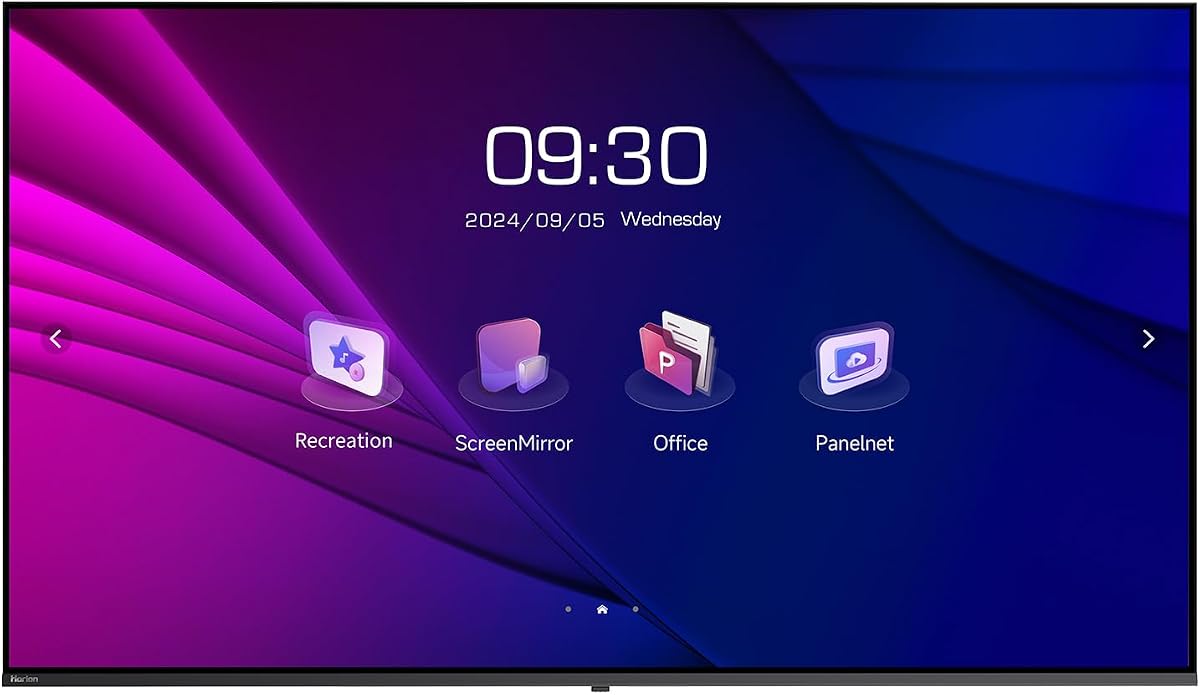
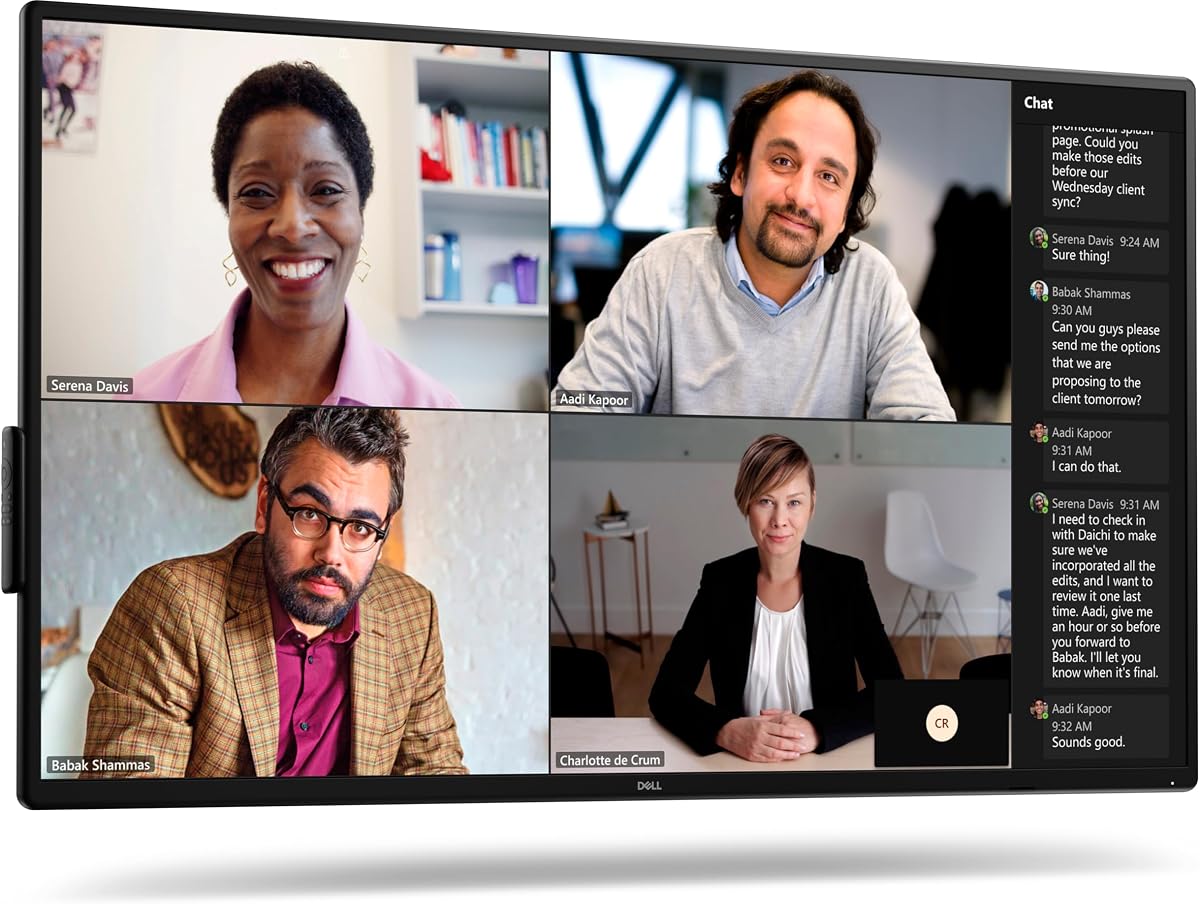


The Dell P5524Q stands out as a top-tier conference room monitor with its large 55-inch 4K display. This unit delivers exceptional clarity for presentations and video conferences, ensuring all participants can see details clearly.
We may earn a commission when you buy through this link, at no additional cost to you.
Its integrated 2x10W speakers reduce the need for external audio equipment, simplifying setup. The anti-glare coating enhances visibility in bright conference rooms, while wide viewing angles maintain color accuracy from any seat.
While the price is higher than some alternatives, the combination of display quality and built-in features justifies the investment for professional environments. It lacks an integrated PC, requiring a separate compute device.
Businesses seeking a reliable and high-quality display for regular meetings will find this monitor an excellent choice. Its robust design ensures longevity in demanding office settings.
The 4K resolution provides four times the detail of Full HD, making text and graphics exceptionally sharp for all attendees.
Built-in speakers eliminate the need for extra devices, streamlining the setup process and reducing cable clutter.
We may earn a commission when you buy through this link, at no additional cost to you.
The Samsung QB65R offers a massive 65-inch screen ideal for large boardrooms. Its 4K UHD picture quality with dynamic Crystal Color ensures lifelike visuals for any content shared during meetings.
We may earn a commission when you buy through this link, at no additional cost to you.
Compatibility with Cisco WebEx room kits makes it a powerful conferencing solution. Built-in Wi-Fi and Bluetooth enable easy content sharing from mobile devices without cables.
Intelligent UHD upscaling maintains high quality for various content sources. The slim design allows for clean installation, though it may require professional mounting for optimal viewing.
Organizations prioritizing size and enterprise integration should consider this model. It balances premium features with commercial durability.
Designed to work seamlessly with Cisco WebEx kits, it simplifies deployment for businesses already using that ecosystem.
Built-in Wi-Fi and Bluetooth allow for effortless sharing of presentations from tablets and phones without cables.
We may earn a commission when you buy through this link, at no additional cost to you.
The LG UL3G bundle provides a cost-effective solution for smaller meeting rooms. It delivers ultra-clear 4K resolution with an IPS panel ensuring consistent color across viewing angles.
We may earn a commission when you buy through this link, at no additional cost to you.
The inclusion of HDMI cables and a surge protector in the bundle adds immediate value. webOS 4.1 offers a user-friendly interface without needing external media players.
Certified Crestron Connected compatibility allows for integrated control systems. While the screen is smaller, it is sufficient for compact offices requiring reliable performance.
This option suits teams seeking value without sacrificing essential display quality. The bundle ensures you have necessary peripherals from day one.
Including cables and protection, this package offers everything needed to get started without additional purchases.
IPS technology ensures colors remain accurate and consistent regardless of where viewers sit in the room.
We may earn a commission when you buy through this link, at no additional cost to you.
The HORION 75 inch display is ideal for large collaborative spaces. Its 4K resolution and wide viewing angles make presentations visible to everyone. The room.
We may earn a commission when you buy through this link, at no additional cost to you.
Dual WiFi modules ensure stable wireless casting without lag. Built-in tools like agenda timers add utility for structured meetings. Low blue light certification reduces eye strain.
Support for vertical mounting offers flexibility for lobby directories. However, the weight requires careful installation. The brand is less known but delivers competitive specs.
Large enterprises needing a big screen for hybrid teams will appreciate this model. Its features support both signage and conference needs.
Twin independent WiFi modules prevent lag during presentations, ensuring smooth content delivery.
TÜV Rheinland-certified low blue light technology protects eyes during extended viewing periods.
We may earn a commission when you buy through this link, at no additional cost to you.
The Dell P5525QC offers 400cd/m2 brightness, perfect for well-lit conference rooms. Its IPS panel ensures consistent color for all viewers. Connectivity options include USB-C for simple laptop docking.
We may earn a commission when you buy through this link, at no additional cost to you.
This model is designed for business environments where reliability is key. The design is sleek and minimizes bezel distractions. USB-C simplifies connections by carrying power and video.
It is a solid choice for teams using Dell laptops extensively. However, it commands a higher price point. Proper cable management is essential for a clean look.
Offices prioritizing brightness and connectivity will find this unit valuable. It supports modern workflows with minimal friction.
At 400cd/m2, the screen remains readable even in rooms with strong ambient light.
USB-C allows for single-cable docking to transfer video, data, and power simultaneously.
We may earn a commission when you buy through this link, at no additional cost to you.
The Philips 34E1C combines a curved screen with a built-in webcam. This makes it suitable for small huddle rooms requiring all-in-one features. UltraWide QHD offers extra horizontal space.
We may earn a commission when you buy through this link, at no additional cost to you.
The Windows Hello webcam with noise-canceling mic simplifies calls. A 4-year advance replacement warranty provides peace of mind. USB-C supports docking for laptops.
While rated lower than larger models, its convenience factor is high. It may be small for large conference rooms but is perfect for private spaces.
Teams needing a compact, functional monitor with video capabilities should consider this. It balances cost and convenience well.
A built-in webcam and noise-canceling mic mean you need no extra peripherals for calls.
The 4-year advance replacement warranty ensures support is readily available if issues arise.
We may earn a commission when you buy through this link, at no additional cost to you.
The Samsung QB43R fits many standard meeting rooms perfectly. With 4K clarity and dynamic Crystal Color, presentations look great. It is Cisco WebEx compatible for easy conferencing integration.
We may earn a commission when you buy through this link, at no additional cost to you.
Built-in Wi-Fi and Bluetooth simplify content sharing. The slim design aids clean installation without excessive cabling. A 3-year warranty ensures durability for business use.
Users praise its reliability and color quality. It may lack built-in speakers but supports easy external audio connection. Setup is straightforward for IT staff.
This model strikes a balance between size and capability. It is ideal for small to medium business meeting spaces.
Compatibility with Cisco WebEx kits means it works instantly with existing meeting infrastructure.
Integrated Wi-Fi and Bluetooth allow staff to share content from phones or tablets quickly.
We may earn a commission when you buy through this link, at no additional cost to you.
Sony's FW75BZ30L is a premium choice for video production rooms. Its HDR support and accurate color reproduction are unmatched for critical viewing. The 75-inch screen offers massive visibility.
We may earn a commission when you buy through this link, at no additional cost to you.
The monitor supports both portrait and landscape orientation. This flexibility suits various display needs. It is built with high-quality materials for longevity.
While expensive and heavy, the performance is top-tier for professional content. Setup may require professional installers due to weight. It is less about standard meetings and more about quality.
Media companies requiring accurate visuals should invest here. It delivers a superior viewing experience for high-fidelity content.
Designed for critical viewing, this monitor offers precise color for content creation and review.
Support for both portrait and landscape allows it to adapt to different room layouts easily.
We may earn a commission when you buy through this link, at no additional cost to you.
The Samsung QE50T is built for continuous operation. With a 16/7 rating, it is perfect for high-use meeting rooms. Non-glare panel minimizes reflections. It features built-in speakers.
We may earn a commission when you buy through this link, at no additional cost to you.
IP5X dust-proof rating ensures durability against particles. Slim design supports clean mounting. 4K resolution delivers clear visuals. It is cost-effective for heavy usage.
Teams running extended meetings daily will benefit from its reliability. It may lack premium brightness but handles general business needs well. Warranty provides support coverage.
This unit is ideal for shared spaces needing constant availability. Its robust build ensures longevity.
Rated for 16 hours daily, this monitor withstands heavy usage schedules common in busy offices.
An IP5X dust-proof rating protects the unit from debris, extending its operational life.
We may earn a commission when you buy through this link, at no additional cost to you.
The Logitech MeetUp is a video system rather than a monitor. It is perfect for adding conferencing capabilities to existing displays. Its 4K sensor and wide view capture the whole room clearly.
We may earn a commission when you buy through this link, at no additional cost to you.
Beamforming mics ensure clear voice pick up. Motorized pan and tilt allow viewing of whiteboards. It works with Teams Rooms and Zoom Rooms easily. Plug-and-play makes setup simple.
While it does not replace a monitor, it enhances meetings significantly. The expansion mic option extends range for larger rooms. It integrates well with various software.
Teams needing a dedicated conferencing device should look here. It bridges the gap between video and hardware.
The wide 120 degree field of view ensures all participants are seen during calls.
Works seamlessly with major meeting platforms like Teams and Zoom for easy deployment.
We may earn a commission when you buy through this link, at no additional cost to you.
Selecting the right monitor involves evaluating several key factors that impact meeting efficiency and visual quality.
Screen size determines visibility. For small rooms, 34 to 43 inches suffices, while large boardrooms benefit from 65 inches or more. Resolution matters significantly for text clarity. 4K UHD provides sharper images than standard HD, making documents and spreadsheets easier to read.
Prioritize larger sizes for bigger rooms and ensure 4K resolution for sharp content.
IPS panels offer wider viewing angles and better color consistency than VA panels. This is crucial in conferences where people sit at various angles. VA panels may offer higher contrast but can shift colors when viewed from the side. IPS is generally preferred for meeting spaces.
Choose IPS panels to ensure consistent image quality for all attendees regardless of seating position.
Modern monitors should offer diverse inputs like HDMI, USB-C, and Bluetooth. USB-C is ideal as it can power and display a laptop simultaneously. Wireless connectivity helps with casting from mobile devices. Ensure the display supports your existing laptop setups.
Look for USB-C docking and wireless casting to simplify connections and reduce cable clutter.
Built-in speakers and webcams reduce the need for external devices. Some commercial displays include SoC technology, removing the need for a separate PC. Check if the monitor supports video conferencing software natively or through compatible kits.
Integrated features streamline setup and reduce the number of devices needed in the room.
Commercial monitors often have higher durability ratings like 16/7 operation for extended use. Dust-proof ratings protect against debris. Brightness levels should match room lighting conditions. For bright rooms, higher nit values ensure readability.
Select displays with high operation ratings and brightness suitable for your specific room lighting.
Prices vary widely from hundreds to thousands of dollars. Consider the lifespan and warranty terms. Commercial models usually include longer warranties. Balance initial cost against durability and feature needs.
Ensure the warranty covers the expected usage cycle and offers adequate replacement support.
Proper installation is the first step. Mount the monitor securely using VESA mounts if wall-mounting. Ensure the height aligns with the eye level of seated participants. This prevents neck strain during meetings.
Use a surge protector to protect electronics from power fluctuations. Clean the screen regularly with a microfiber cloth. Avoid harsh chemicals. Ensure cables are organized to prevent tripping hazards.
Update firmware periodically to access security patches and new features. Restart the system weekly to clear temporary glitches. Adjust brightness settings to match ambient light for better energy efficiency and image quality.
For small huddle rooms, a 34 to 43-inch monitor is usually sufficient. It provides enough screen real estate for presentations without overwhelming the space. Ensure it has good viewing angles for tight seating arrangements.
Yes, 4K monitors provide sharper text and clearer graphics compared to standard HD. This is particularly important when displaying detailed documents. The higher resolution ensures everyone sees details clearly even from a distance.
Commercial monitors are designed for longer operating hours and often come with better warranties. They typically support continuous use and have more durable components. They are optimized for business environments rather than home use.
Yes, most modern monitors support HDMI and USB-C inputs compatible with various brands. Ensure the cables match your laptop's ports. Wireless options further increase compatibility across different operating systems.
USB-C with power delivery is highly useful as it simplifies docking. HDMI ensures compatibility with most devices. Wireless casting allows for flexible presentations from phones and tablets without cables.
Use a soft microfiber cloth to wipe the screen gently. Avoid spraying liquid directly on the panel. Do not use abrasive chemicals or paper towels which might scratch the surface. Clean regularly to maintain visibility.
Selecting a conference room monitor requires balancing size, resolution, and connectivity. Our top picks cover a range of needs from budget-friendly bundles to premium large-format displays.
Prioritize factors like viewing angles and connectivity options to match your team's workflow. Commercial-grade durability ensures longevity in high-usage environments.
We recommend verifying current availability and specifications before purchase. Prices and features may shift, so checking the latest details helps ensure the best decision.