
Bambu Lab A1 3D Printer
4.7Editor score
500mm/s print speed
Auto calibration included
Quiet operation mode
Discover the top 3D printer for fast printing speed models evaluated for velocity and precision to help you choose the right high-speed machine for your needs.
Finding the right 3D printer for fast printing speed can transform your workflow from waiting days to finishing hours. Modern machines now reach incredible velocities while maintaining precision for complex prototypes and functional parts.
We compared ten leading models based on acceleration, build volume, multi-color capabilities, and reliability. Our analysis focuses on real-world performance metrics that matter most to makers and professionals seeking efficiency.
Each pick highlights key strengths and ideal use cases for different users. Please note that product availability and pricing may vary over time so verify current details before purchasing your next machine.
4.7Editor score

4.7Editor score

4.5Editor score
The following table provides a side-by-side comparison of all ten selected high-speed printers. Each entry details core specifications like build volume, print speed, and unique features to help you evaluate performance at a glance.
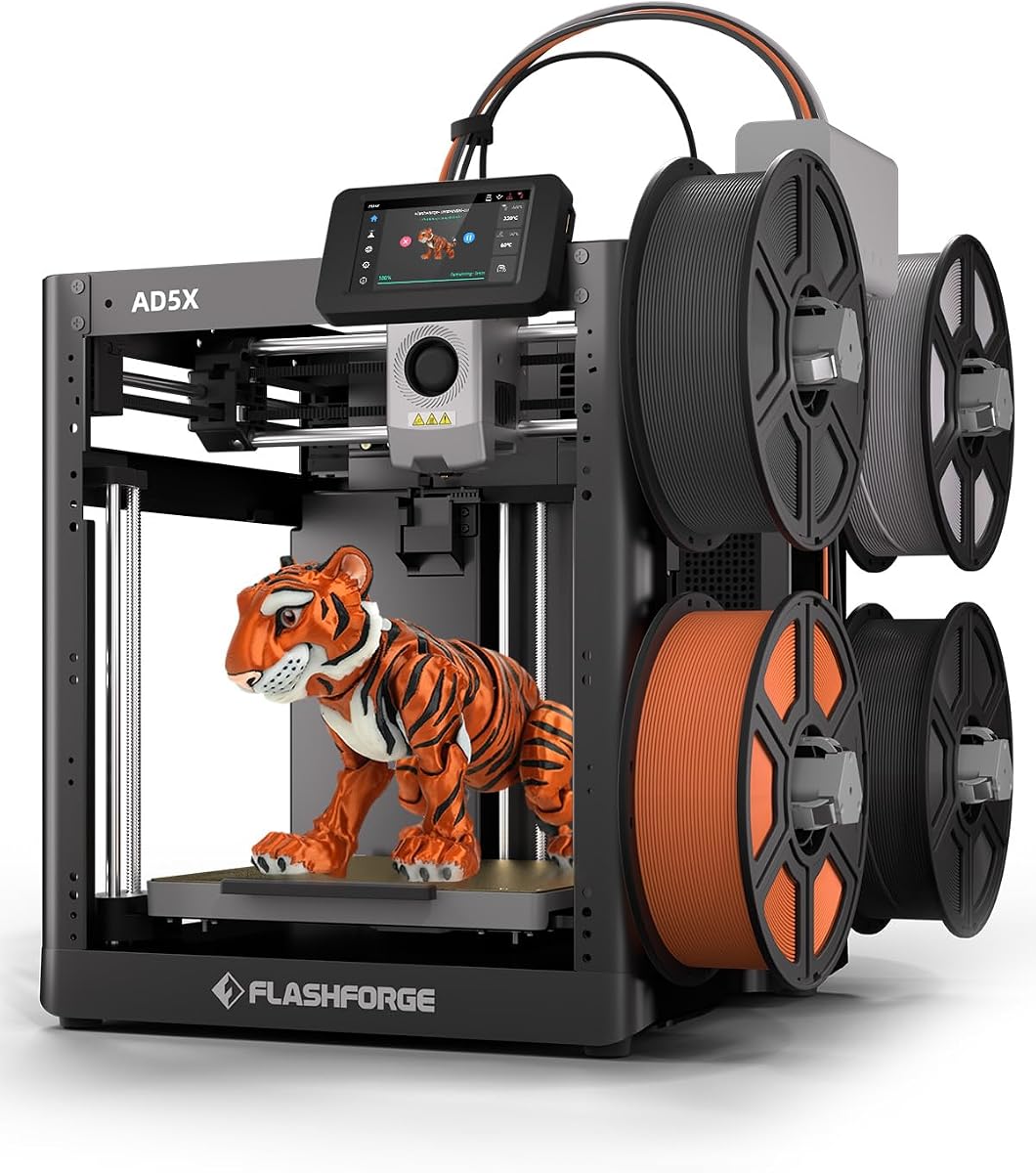



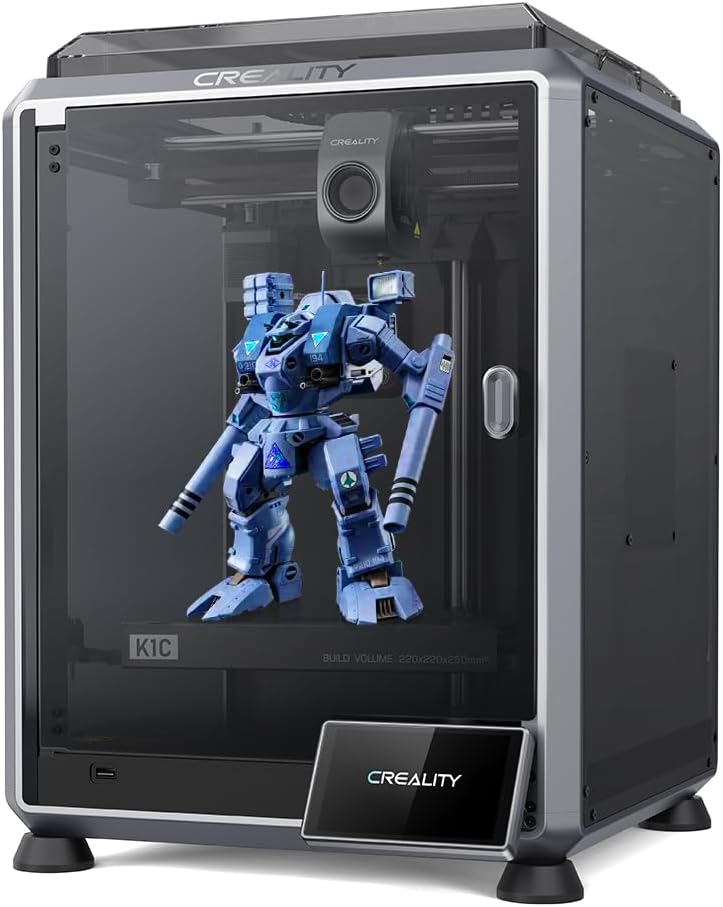
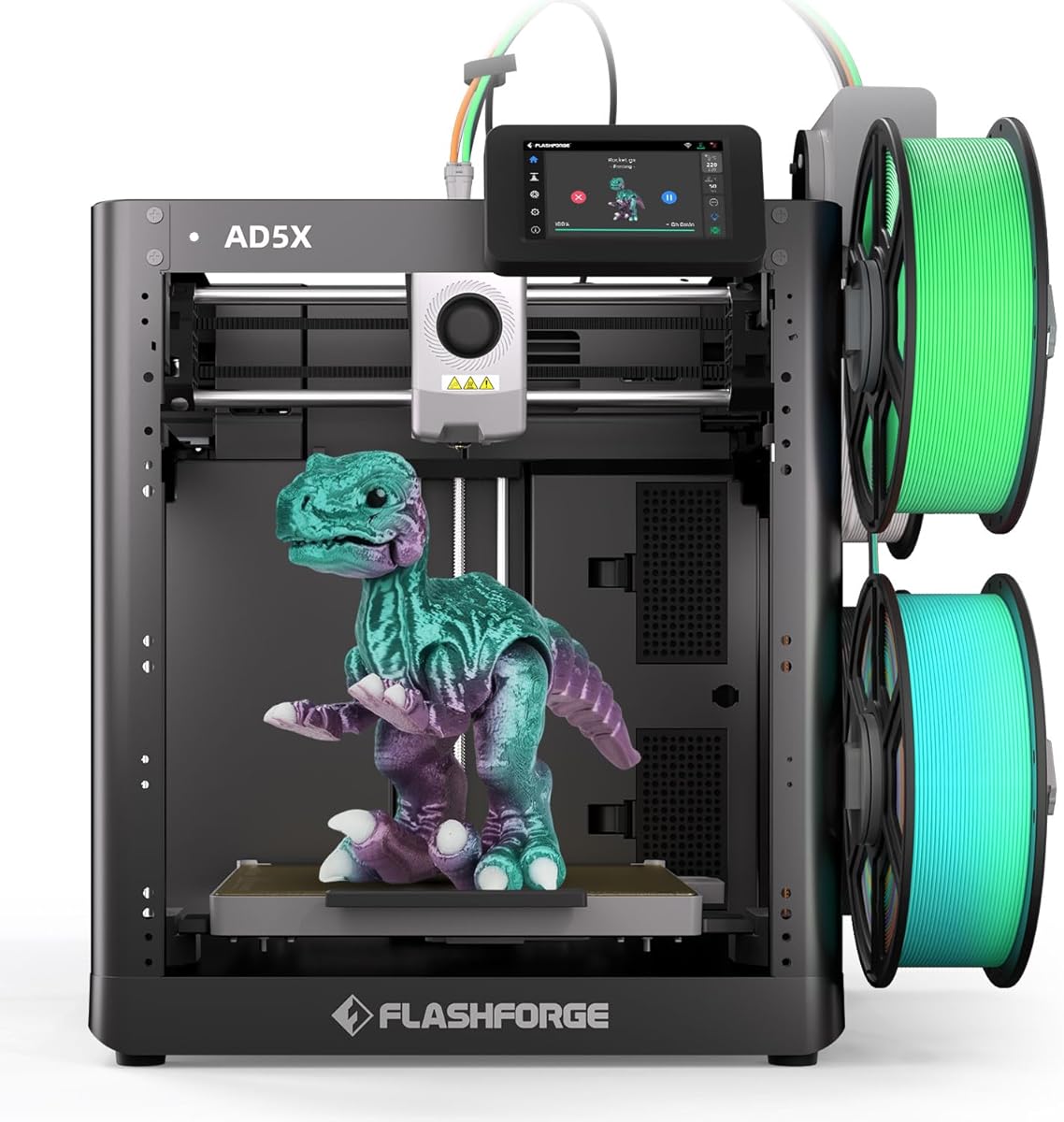
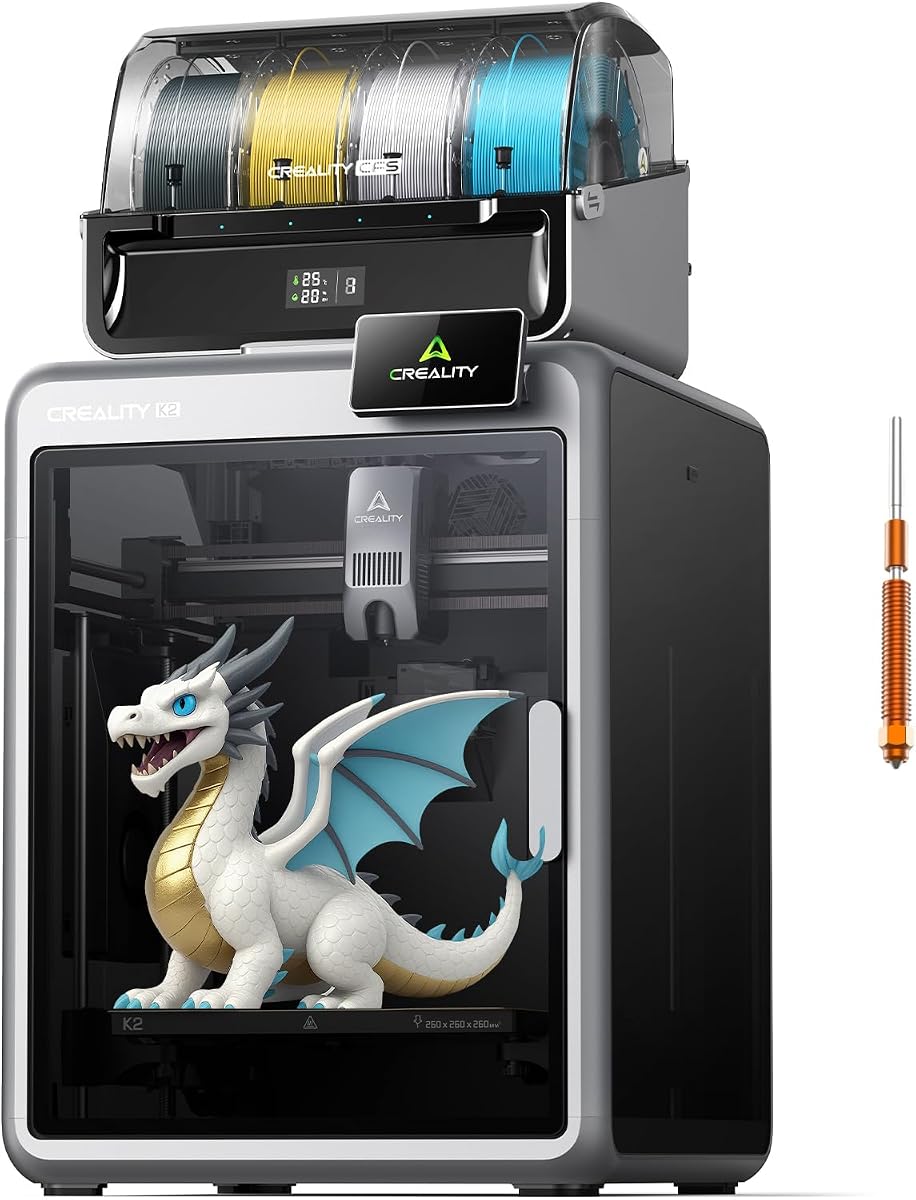
The Bambu Lab P2S Combo stands out as our top pick for fast printing speed without sacrificing quality. It combines high-velocity extrusion with the new AMS 2 Pro for vibrant multi-color prints.
We may earn a commission when you buy through this link, at no additional cost to you.
Its CoreXY system achieves up to 600 mm/s while Active Flowrate Compensation ensures consistent layer widths. The PMSM Servo Extruder maintains precise motion control for flawless corners on every print.
Setup is surprisingly quick at 15 minutes thanks to automatic calibration and quick-swap nozzles. You get seamless filament drying up to 65 °C and smart airflow for engineering materials.
If you need professional-grade reliability and multi-color capability out of the box this is the printer to choose. It excels for batch production and creative projects requiring vivid colors.
The AMS 2 Pro enables multi-material 3D printing with built-in drying to keep spools ready for flawless prints without manual intervention.
High-speed precision is maintained via active flowrate compensation and servo motors that keep every layer sharp even at extreme velocities.
We may earn a commission when you buy through this link, at no additional cost to you.
The Bambu Lab A1 delivers impressive speed and precision at a budget-friendly price point. It is perfect for beginners who want fast results without complicated manual calibration steps.
We may earn a commission when you buy through this link, at no additional cost to you.
With 10,000 mm/s² acceleration and active flow rate compensation this printer produces smooth prints while keeping noise levels low. The user interface is simplified for easy operation.
While the AMS lite is required for multi-color printing the base model still offers fast performance. The 1-Clip quick swap nozzle makes maintenance simple and convenient for daily use.
This model is ideal for kids and hobbyists seeking reliable performance. Its quiet motor noise canceling lets you work without distraction while printing complex parts quickly.
Full auto calibration handles Z-offset and bed leveling so you can focus on creating without dealing with manual adjustments.
Active motor noise canceling ensures a quiet printing environment allowing you to focus on work without disruptive buzzing sounds.
We may earn a commission when you buy through this link, at no additional cost to you.
The Snapmaker U1 is a premium option designed for professionals needing multi-material and multi-color printing. It swaps toolheads in five seconds saving time and filament compared to traditional systems.
We may earn a commission when you buy through this link, at no additional cost to you.
Its rigid CoreXY motion system ensures accuracy across the full 270 x 270 x 270 mm build volume. Independent toolheads let you mix flexible and rigid materials without manual swaps.
You can create parts with soluble supports or colorful shoes using TPU variants. The SnapSwap system reduces tool change time from minutes to seconds for massive productivity gains.
If you need industrial capabilities at home this machine is unmatched. It simplifies the entire process from setup to finished print for workshops and professional creators.
True multi-material printing allows combining rigid and flexible materials with water-soluble supports for complex functional parts.
Automatic tool changer reduces tool change time from around two minutes to just five seconds for rapid multi-material prototyping.
We may earn a commission when you buy through this link, at no additional cost to you.
The FLASHFORGE AD5X brings CoreXY technology to a compact form factor delivering speeds up to 600mm/s. It supports four colors simultaneously and includes a 300°C direct drive extruder.
We may earn a commission when you buy through this link, at no additional cost to you.
Vibration compensation and dual-channel cooling fans ensure smooth prints even at high velocities. Auto leveling happens with one click and remote monitoring is available via mobile app.
Nozzle options range from 0.25mm to 0.8mm for fine details or large sturdy models. Power loss resume and automatic filament feeding simplify daily operation.
This printer is a strong choice for precision and efficiency in small spaces. It handles rapid prototyping and batch production with vibrant multi-color results.
The CoreXY structure supports up to 600mm/s with 20,000mm/s² acceleration for efficient production runs.
Four nozzle sizes give full creative control with a pre-installed 0.4mm nozzle for everyday versatile printing.
We may earn a commission when you buy through this link, at no additional cost to you.
The Bambu Lab P1S combines a fully enclosed design with high-speed printing up to 500mm/s. It is ready to use out of the box with auto bed leveling and easy setup.
We may earn a commission when you buy through this link, at no additional cost to you.
Acceleration reaches 20000 mm/s² so you do not wait around for masterpieces. The enclosed body improves performance for advanced filaments like ABS and ASA.
It supports up to 16 colors when connected to the Bambu Lab AMS system. You can start printing in 15 minutes thanks to user-friendly design.
Ideal for users needing enclosed reliability with fast throughput. It covers common filaments well and makes high-quality printing accessible for all skill levels.
Fully enclosed body improves print performance for advanced filaments ensuring consistent results on engineering materials.
Spend more time printing and less time setting up with a user-friendly design ensuring a hassle-free assembly experience.
We may earn a commission when you buy through this link, at no additional cost to you.
The Anycubic Kobra X arrives with native 4-color printing and offers expansion to 19 colors with ACE 2 Pro units. It reduces purging and travel path to cut time and costs.
We may earn a commission when you buy through this link, at no additional cost to you.
Hardened steel nozzle and vibration compensation ensure smooth layers at max speed of 600mm/s. LeviQ 3.0 auto leveling uses 49 points for flawless first layers.
Smart AI monitoring detects spaghetti failures and foreign objects during prints. You can connect via dual-band Wi-Fi and remote control through the Anycubic App.
This model is perfect for home use and makerspaces needing native multi-color support. It simplifies operation with a large model library and remote control.
Why settle for one color when you can have multicolor with four colors built-in and expandable up to 19 colors.
Kobra X reduces filament and machine travel path by 81.25 percent so twice the speed and cutting material costs in half.
We may earn a commission when you buy through this link, at no additional cost to you.
The Creality K2 Combo is 95 percent pre-assembled for a true plug and play experience. It reaches 600mm/s speed and supports up to 16 colors with CFS units.
We may earn a commission when you buy through this link, at no additional cost to you.
Step-servo motors dynamically adjust torque in less than a millisecond for precision and noise control. Silent Mode makes it quieter than a laptop typing.
Smart Auto Leveling targets only the relevant print area saving time. The AI camera watches for spaghetti failures and idling in real-time.
This machine is ideal for users wanting quick setup and multi-color options. It supports a wide selection of materials and handles standard scenarios well.
You can use K2 right after unpacking and screen installation as it arrives mostly pre-assembled.
Step-servo motors adjust torque dynamically in less than a millisecond taking accuracy and noise control to the next level.
We may earn a commission when you buy through this link, at no additional cost to you.
The Creality K1C is designed to support carbon fiber filaments with a clog-free direct extruder. It achieves speeds of 600mm/s and acceleration of 20000mm/s² for fast printing.
We may earn a commission when you buy through this link, at no additional cost to you.
Auto calibration handles Z offset leveling and input shaping so you can print quickly after unboxing. Smart AI camera recognizes failures and records time-lapse footage.
Its upgraded cooling structure prevents heat creep and ensures instant hardening for better layer texture. The steel-tipped copper nozzle and titanium heatbreak block heat creep effectively.
This model is perfect for makers needing durability and speed. It supports high-temperature printing up to 300°C and offers reliable automated operation.
Clog-free direct extruder grips filament tightly without slackening off supporting carbon fiber and many other filaments.
Auto calibration saves your time largely with auto Z offset leveling and input shaping tests so you can walk away.
We may earn a commission when you buy through this link, at no additional cost to you.
The FLASHFORGE AD5X Multi brings 4-color printing and multi-material capabilities with an Intelligent Filament System. It delivers ultrafast printing up to 600mm/s with vibration suppression.
We may earn a commission when you buy through this link, at no additional cost to you.
Full-auto calibration ensures consistent first layer adhesion on the print bed. The CoreXY structure reduces mechanical shifts and improves layer alignment.
You can print with PLA TPU PETG and fiber options easily. Its compact design saves space with four spools arranged side by side.
This is a powerful productivity booster for creative projects. It maintains accuracy while switching between materials for seamless multi-color prints.
Intelligent Filament System allows you to print in multiple colors and materials simultaneously without manual swaps.
With its lightweight modular design and intelligent filament system this printer offers significant space savings.
We may earn a commission when you buy through this link, at no additional cost to you.
The Creality K2 Combo A comes with one CFS unit expandable to four units for up to 16 vibrant colors. It reaches 600 mm/s print speed with high acceleration.
We may earn a commission when you buy through this link, at no additional cost to you.
Smart filament system includes auto identification moisture-proof storage and airtight design with desiccants. The built-in air purifier filters VOCs for a safer experience.
Fully pre-assembled with guided calibration this printer is user-friendly. It handles engineering-grade filaments like ABS and PETG with a hardened steel nozzle.
Ideal for artistic prints and multi-material projects needing color variety. It combines speed with reliable filament management for smoother workflow.
One CFS unit expandable up to four CFS units for up to 16 vibrant colors.
Smart filament system with auto identification auto relay and moisture-proof storage keeps materials dry and ready.
We may earn a commission when you buy through this link, at no additional cost to you.
Choosing a high-speed printer involves more than just maximum velocity. Consider build volume, multi-color needs, reliability, and software support to find the best fit.
Look for printers supporting 500mm/s or higher with high acceleration. Faster print speeds reduce job time significantly but must be balanced with quality settings.
Prioritize CoreXY motion systems and high-torque motors to maintain detail at extreme velocities.
Acceleration measured in mm/s² determines how quickly a printer changes direction. Higher acceleration means faster non-printing moves and shorter total print times.
Aim for rates over 10,000 mm/s² for rapid prototyping without sacrificing corner precision.
Ensure the build area matches your typical projects. Larger volumes require more power to maintain speed so check stability ratings.
Standard sizes like 220mm or 260mm are sufficient for most prototypes while larger options support bigger parts.
If you need multiple colors consider systems with dedicated spoolers like AMS or CFS. These add convenience but increase total cost and setup time.
Verify if the printer supports multi-color out of the box or requires extra modules to achieve color prints.
Direct drive extruders handle flexible filaments better at high speeds than Bowden setups. Check nozzle temperature limits for engineering materials.
Nozzles capable of 300°C allow printing with tough polymers like PC or ABS without clogging issues.
Auto leveling and calibration reduce human error and speed up setup. These are essential for high-throughput environments where downtime is costly.
Features like auto Z offset and first layer detection save time and improve success rates for long jobs.
Enclosed printers maintain stable ambient temperatures for better quality on advanced filaments. Open frames may warp ABS or ASA during fast cooling phases.
Choose an enclosed option if you plan to print engineering materials regularly for consistent results.
Integrated apps and cloud services allow remote monitoring and file transfers. AI cameras can detect failures early preventing wasted time and materials.
Check compatibility with slicers like Cura or Bambu Studio to ensure smooth workflow from design to print.
Start with the included quick guide to configure your machine. Most fast printers require minimal assembly but ensure all motors are powered correctly before the first print.
Use high-quality filament to maintain speed and prevent clogging. Keep spools dry using built-in dryers or desiccants to avoid bubbles that ruin fast layers.
Perform regular maintenance on nozzles and beds to preserve precision. Clean the print bed after every few jobs and replace worn nozzles if you notice quality drops.
A fast 3D printer typically reaches speeds above 500mm/s and acceleration over 10,000 mm/s². These machines use advanced motion systems like CoreXY to maintain accuracy while moving quickly.
High speed can reduce quality if the machine lacks proper vibration compensation. Modern printers use algorithms to counteract shifts so you get clean corners even at extreme velocities.
Yes many fast models support multi-color printing with external systems like AMS or CFS. These allow automatic switching without stopping the job.
PLA and PETG work well at high speeds. Engineering materials like ABS require enclosed chambers and stable temperatures to prevent warping during rapid cooling.
Fast printers often have more powerful motors and fans which may consume slightly more energy. However faster print times usually offset the higher power usage per job.
Most fast printers include auto leveling but periodic checks are recommended. Calibration ensures bed adhesion remains consistent even at high print speeds.
Use AI cameras or smart monitoring to detect issues early. Keep firmware updated and avoid pushing speeds beyond recommended limits for complex geometries.
Fast printers often include silent modes or noise-canceling tech. Look for models with step-servo motors or active cooling fans designed for quiet operation.
The top picks include the Bambu Lab P2S Combo for multi-color speed the Bambu Lab A1 for budget performance and the Snapmaker U1 for premium flexibility.
Prioritize your workflow needs such as build volume or multi-color features before focusing solely on speed. Reliability and software integration matter as much as raw velocity.
Always check current availability and warranty terms before purchasing. Prices and models change often so review the latest details from sellers for your region.